The easiest way to create a restaurant QR code menu
Create a digital restaurant menu online, customize the design, and generate restaurant QR code



How to create your online menu
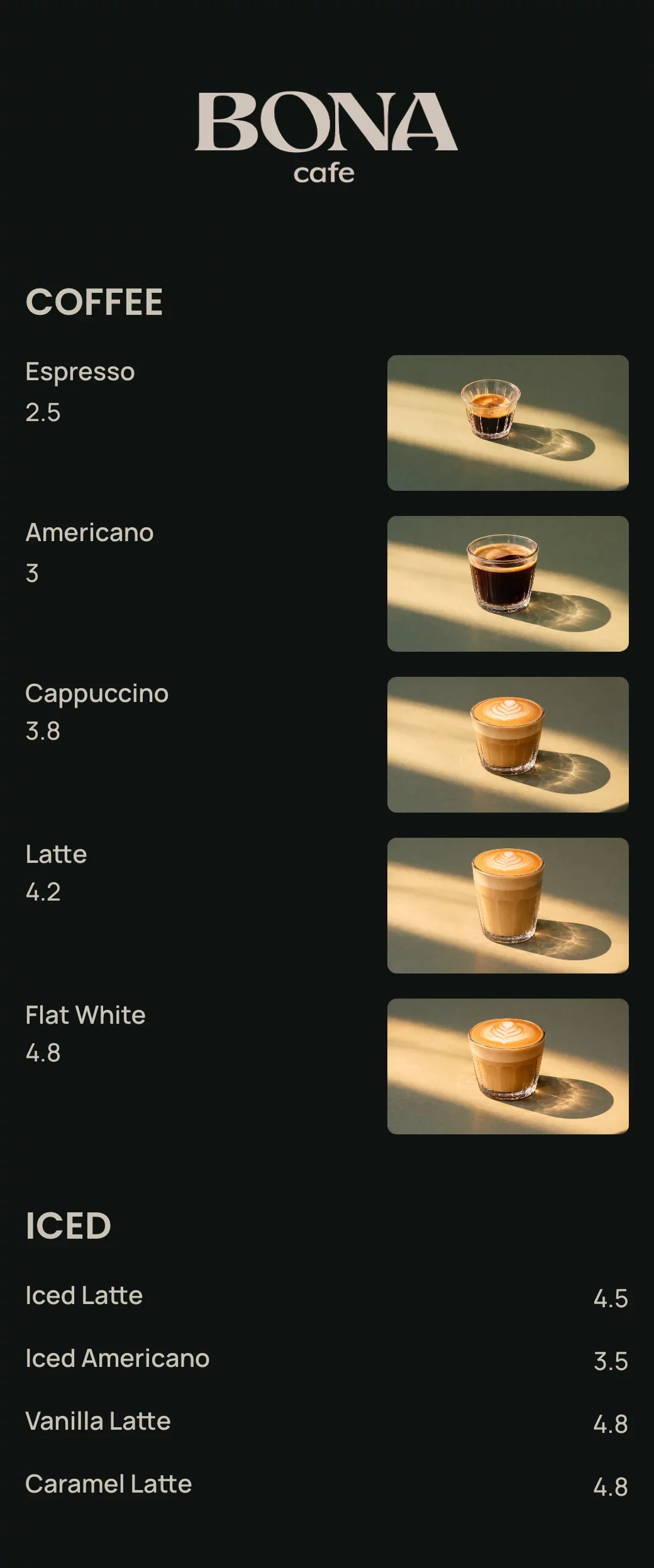
Add your items, customize the look, and instantly share your menu with a link or QR code.

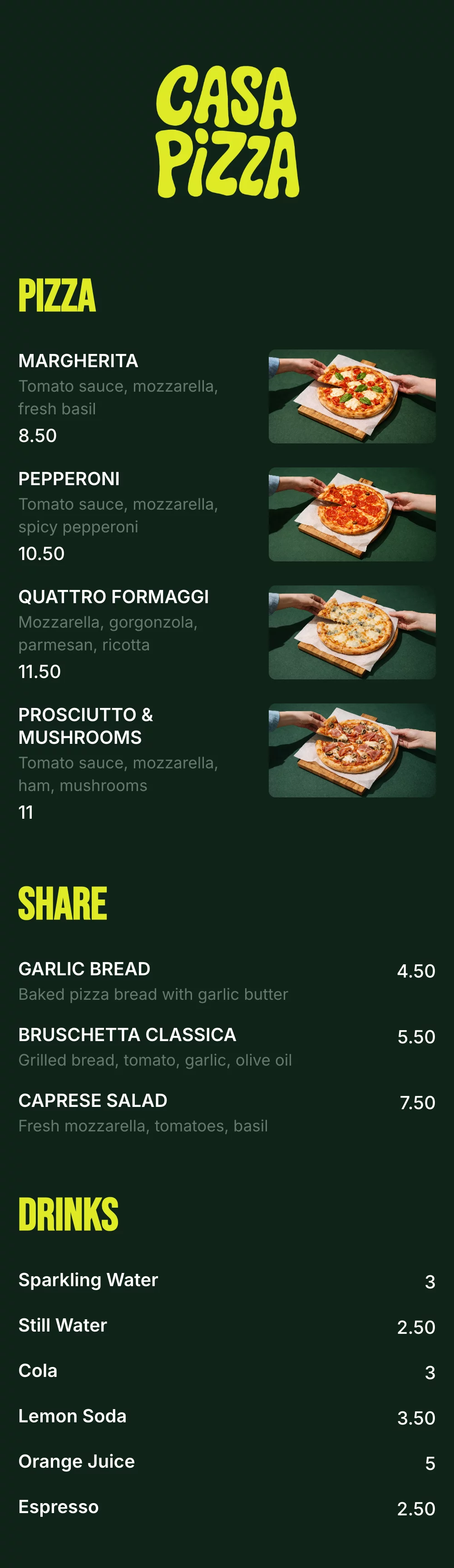
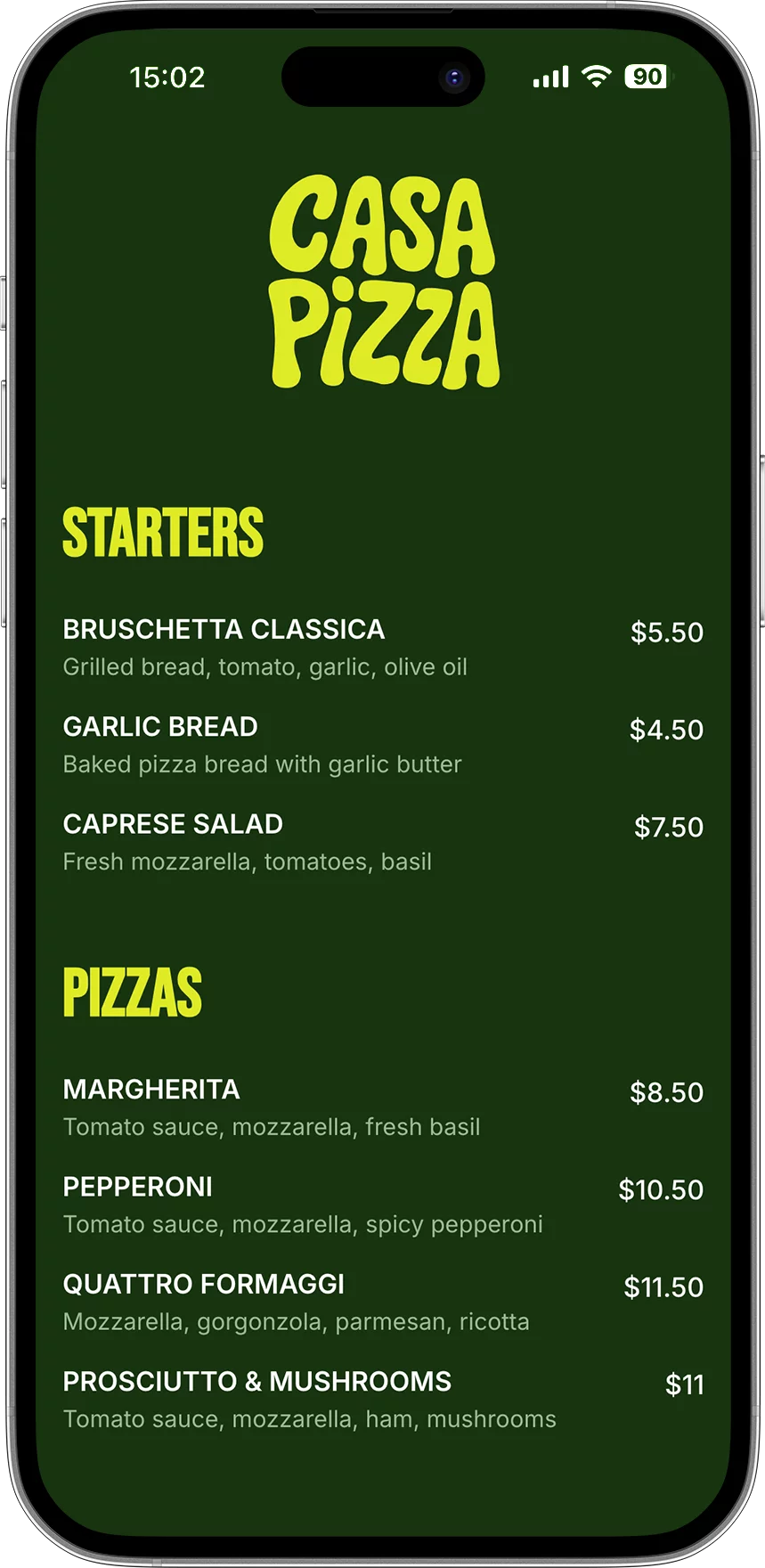
Add your menu items
Enter your dishes, descriptions, prices using a simple menu editor.
STARTERS PIZZAS


Customize your design
Choose colors, fonts, and layout to match your restaurant’s brand.

Generate QR code & Publish
Get a scan for menu QR code that opens your menu instantly on any phone.

Share and update anytime
Update your menu anytime without reprinting.
Everything you need to create a digital menu
Say goodbye to printed menus. Build, update, and share your digital menu instantly—always accurate, always on brand.
Digital restaurant menu editor
Choose colors, fonts, and layout to match your restaurant’s brand.
QR code menu generator
Each menu gets a unique QR code customers can scan at the table.
Custom branding
Match your menu to your restaurant brand with colors, fonts, and layout.

Instant updates
Change prices, items, or availability in seconds—no reprints.

Mobile-friendly menu
Designed to be easy to read on any phone, with clean layout and fast loading.

Shareable menu link
Use your menu link on Google, Instagram, website, or delivery platforms.
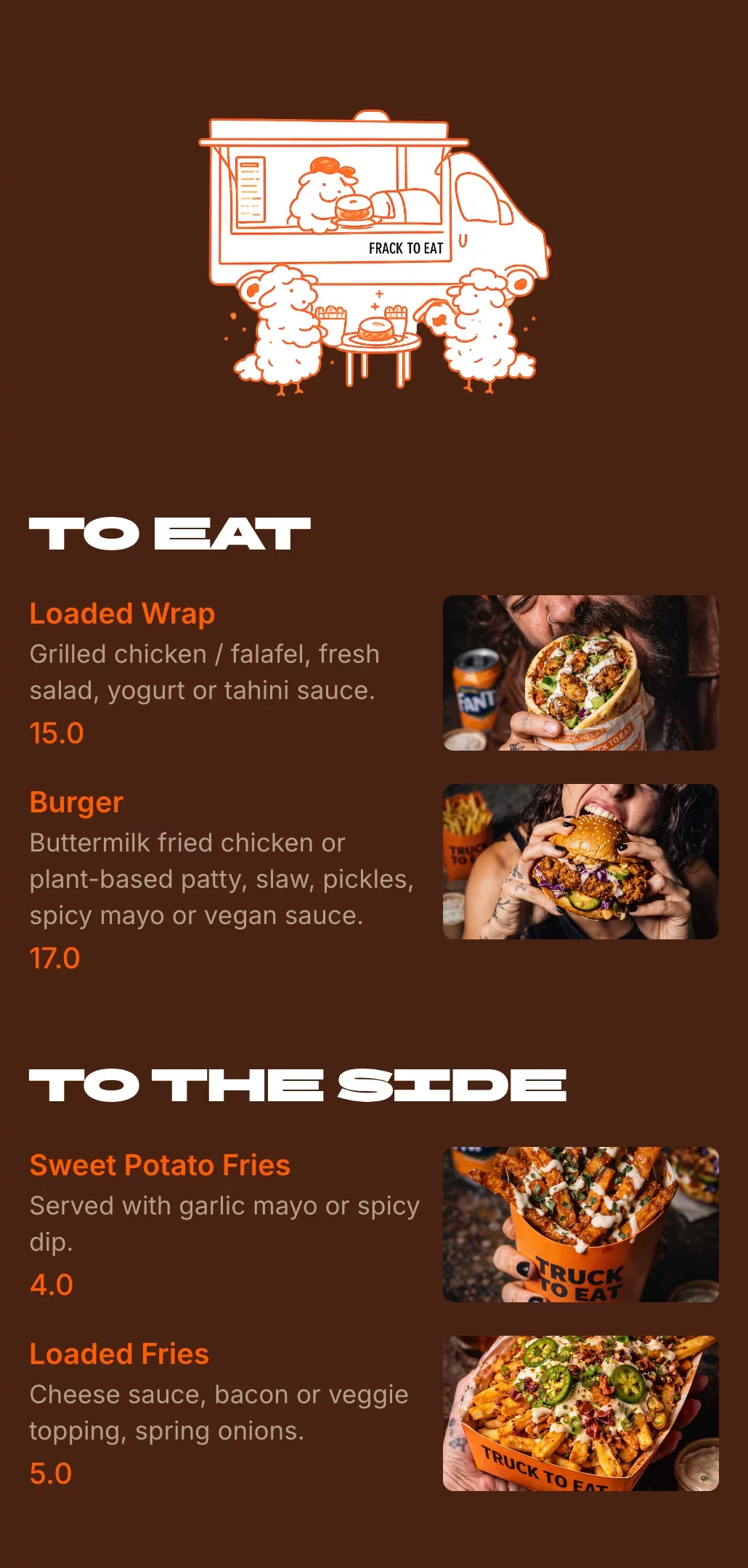
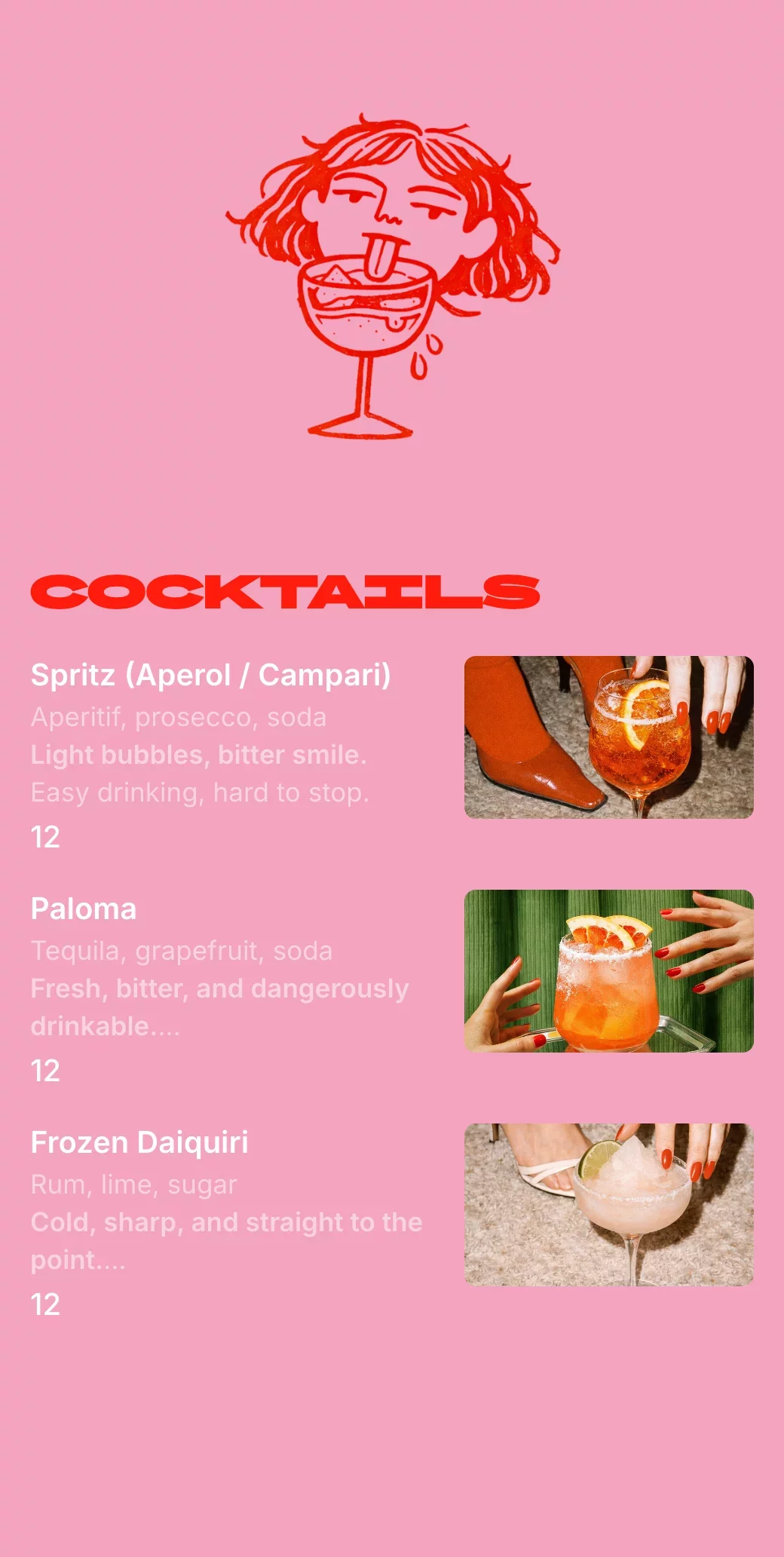
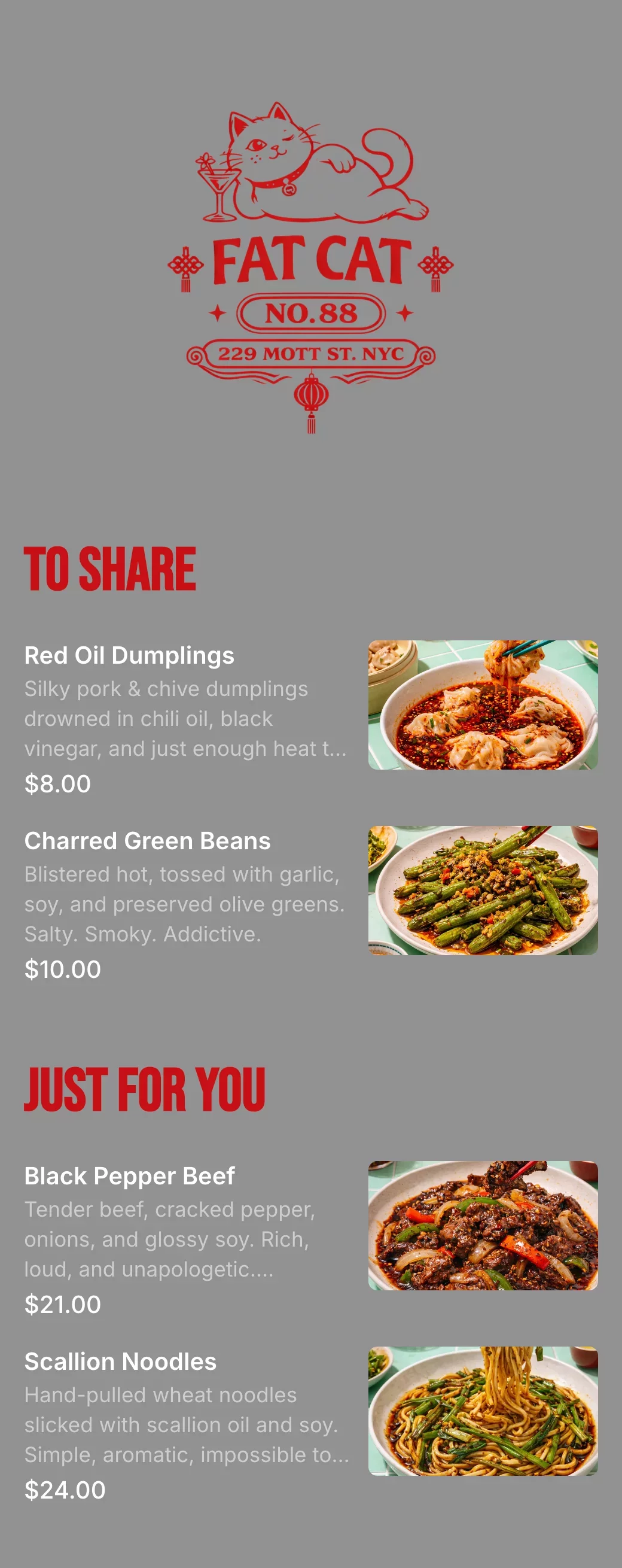
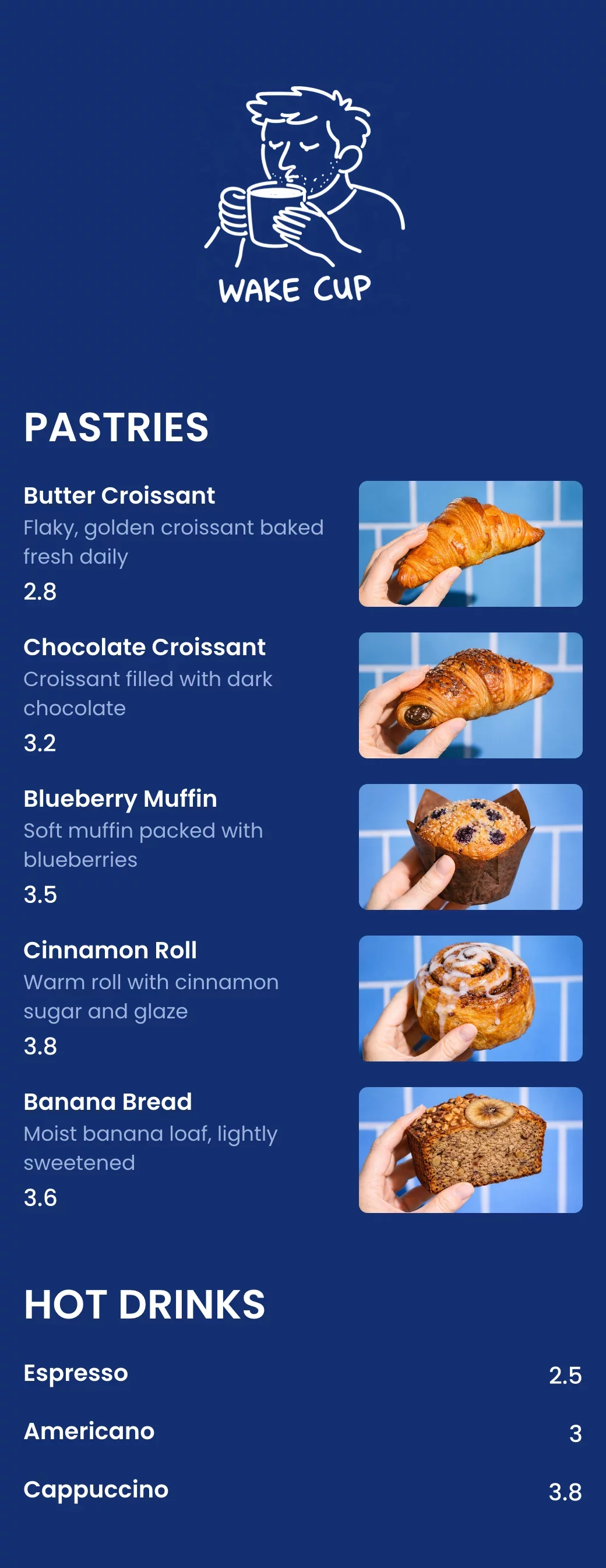
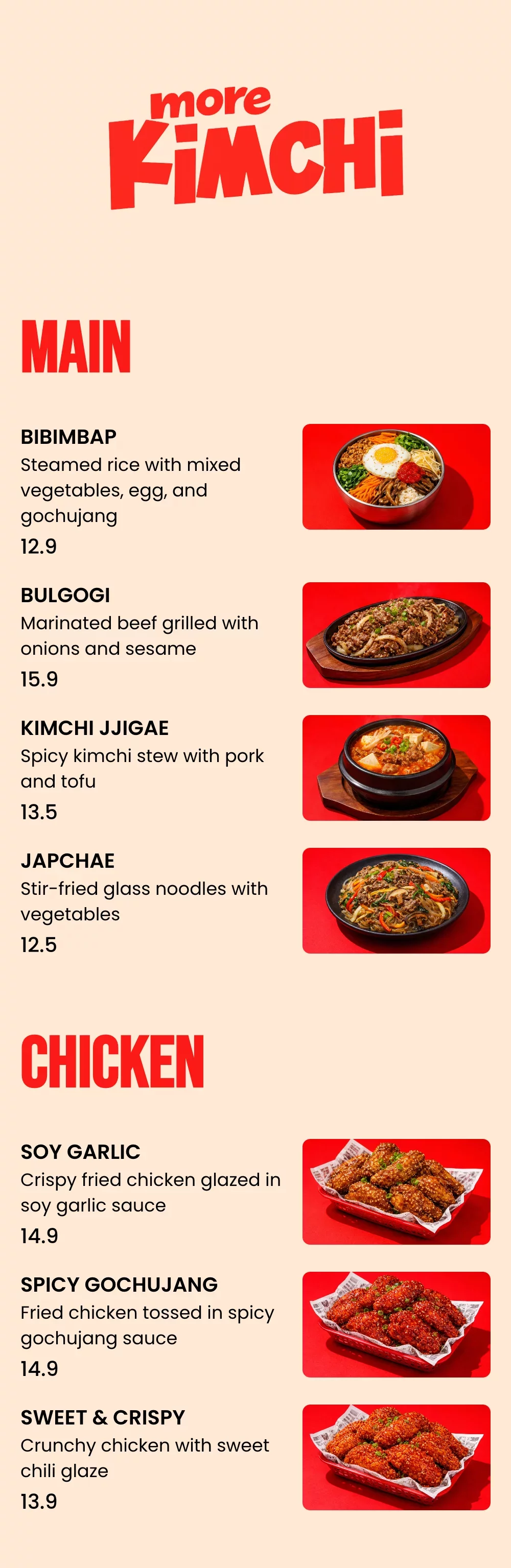
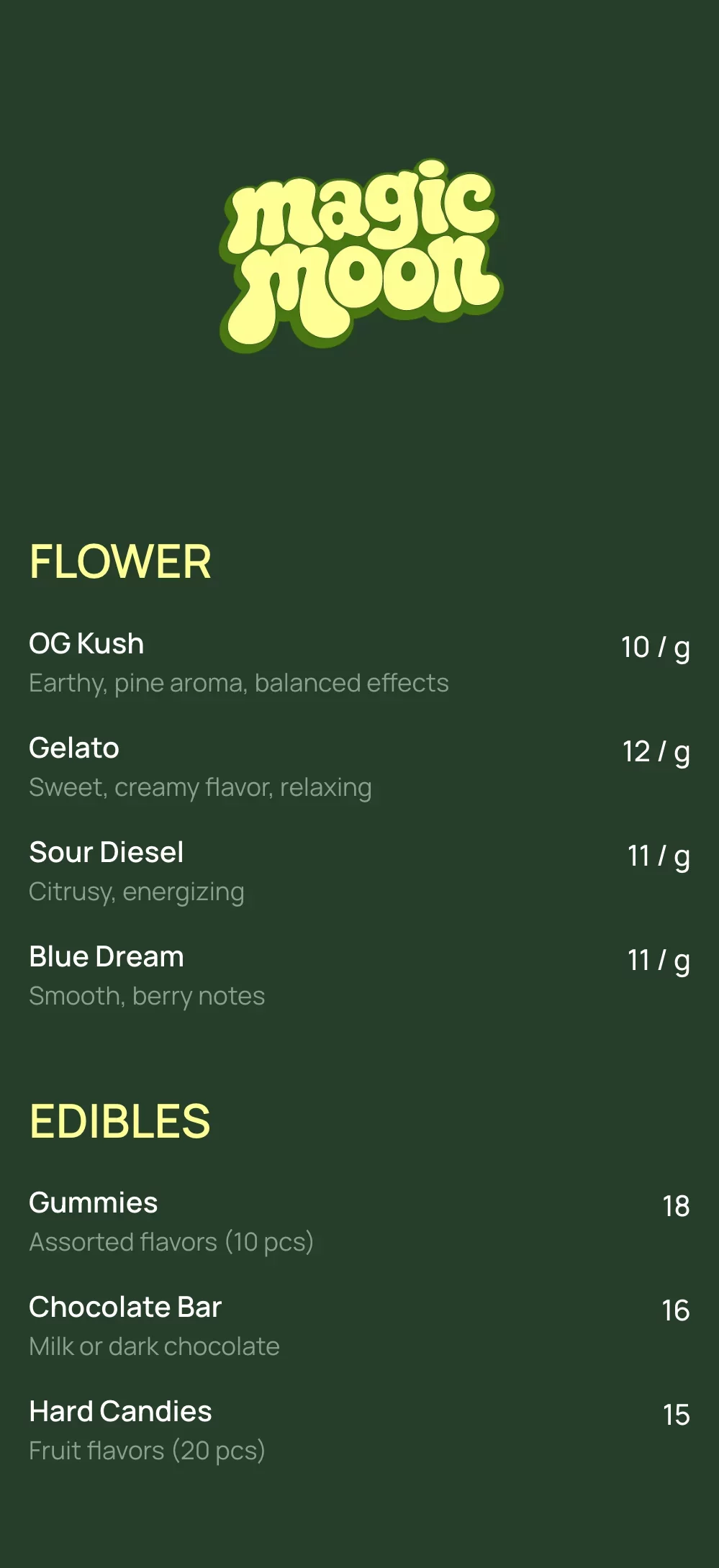
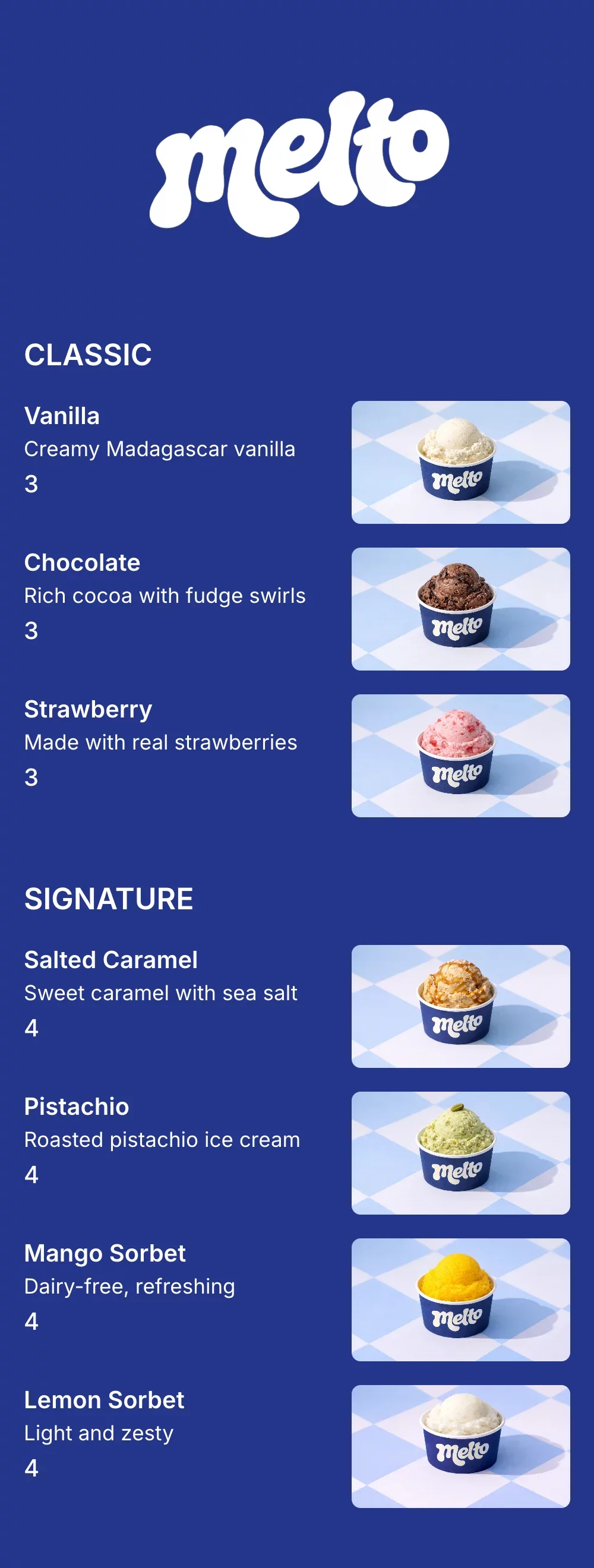
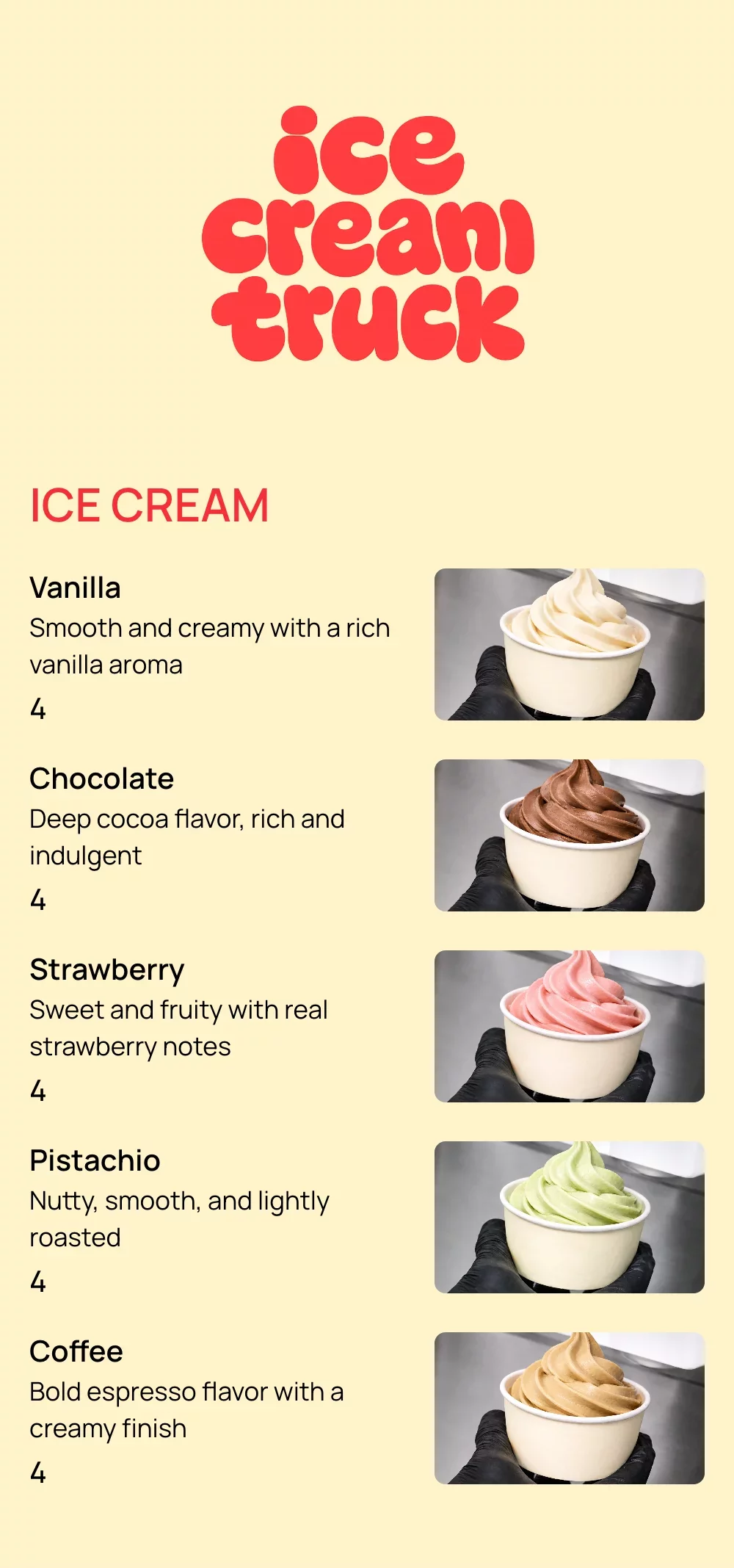
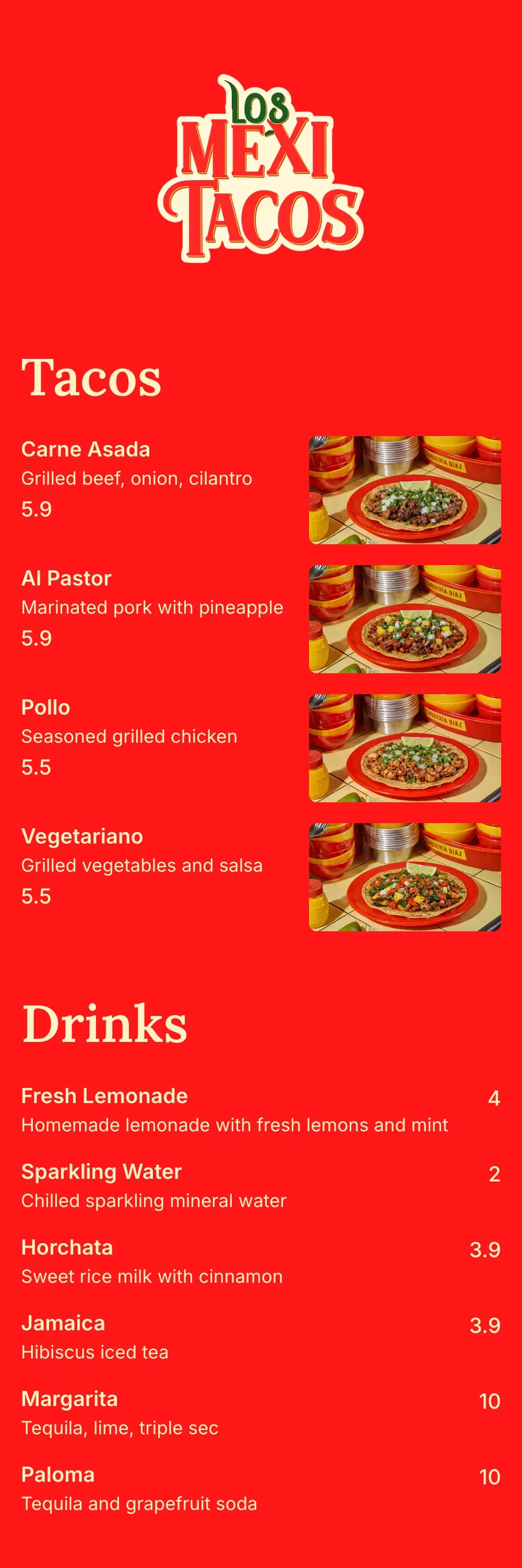
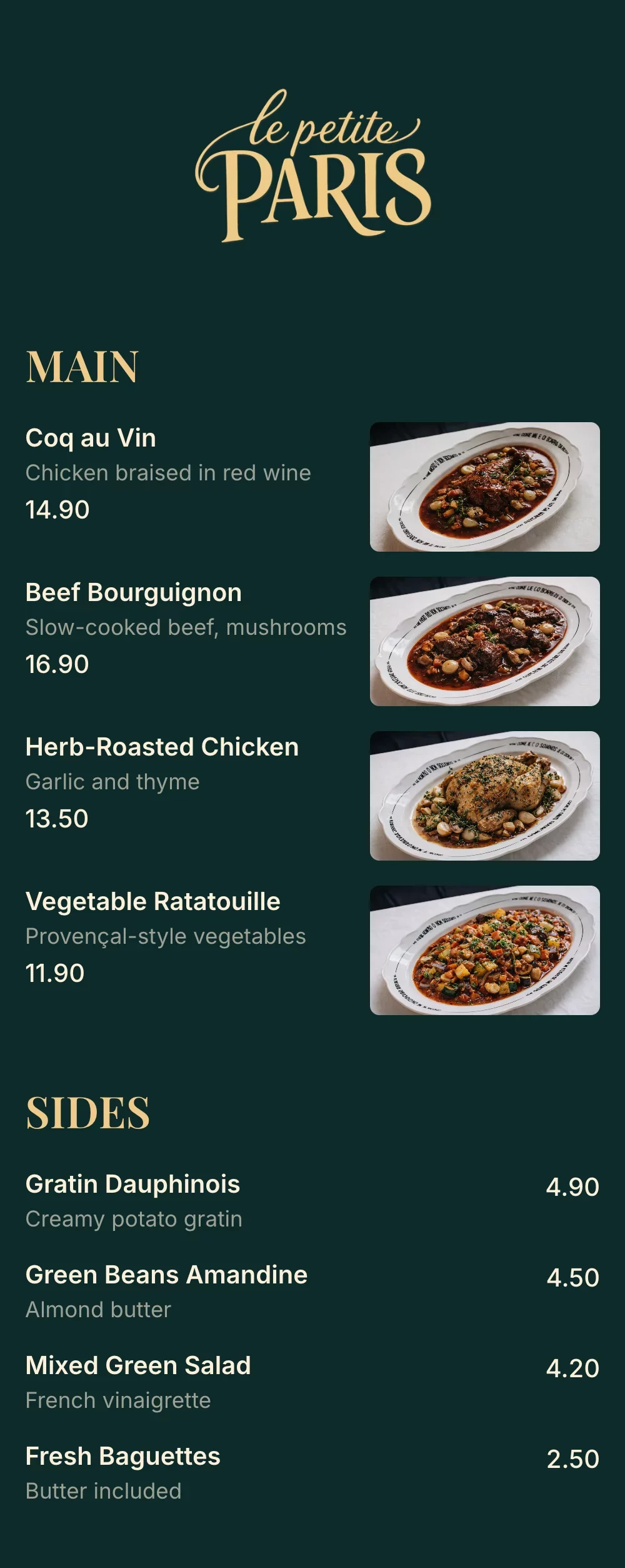
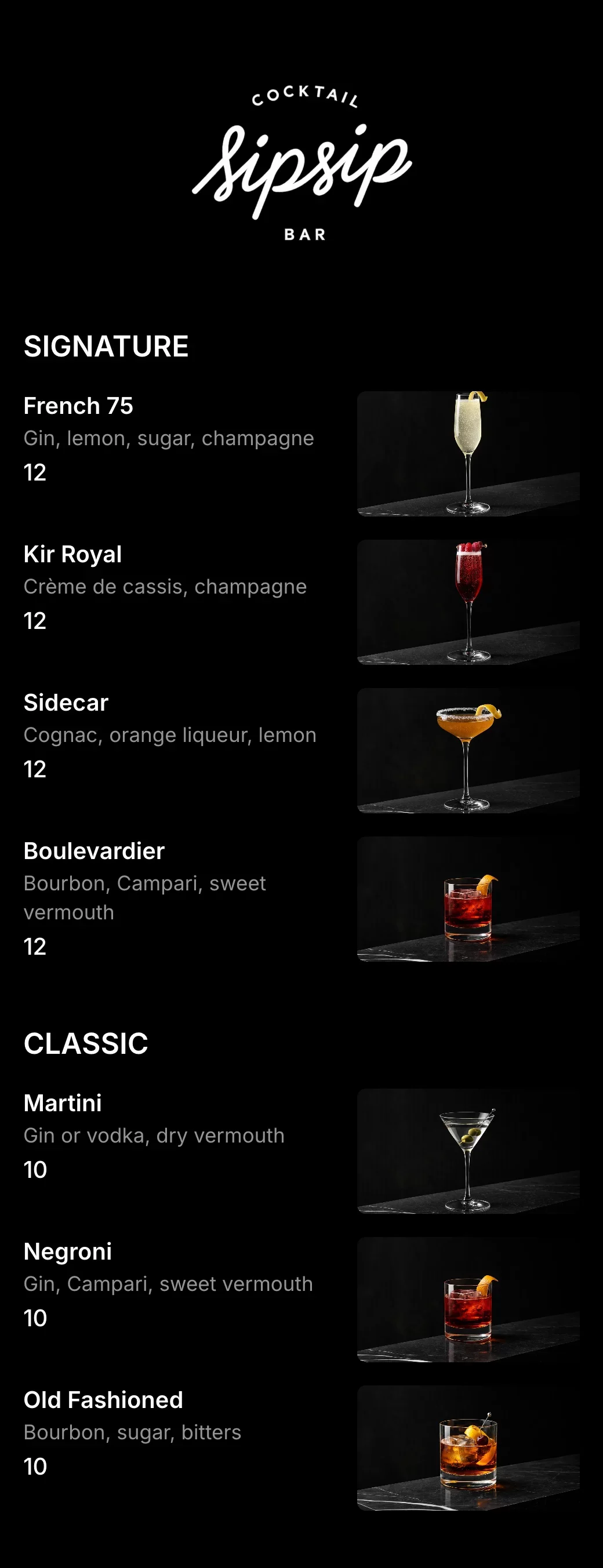
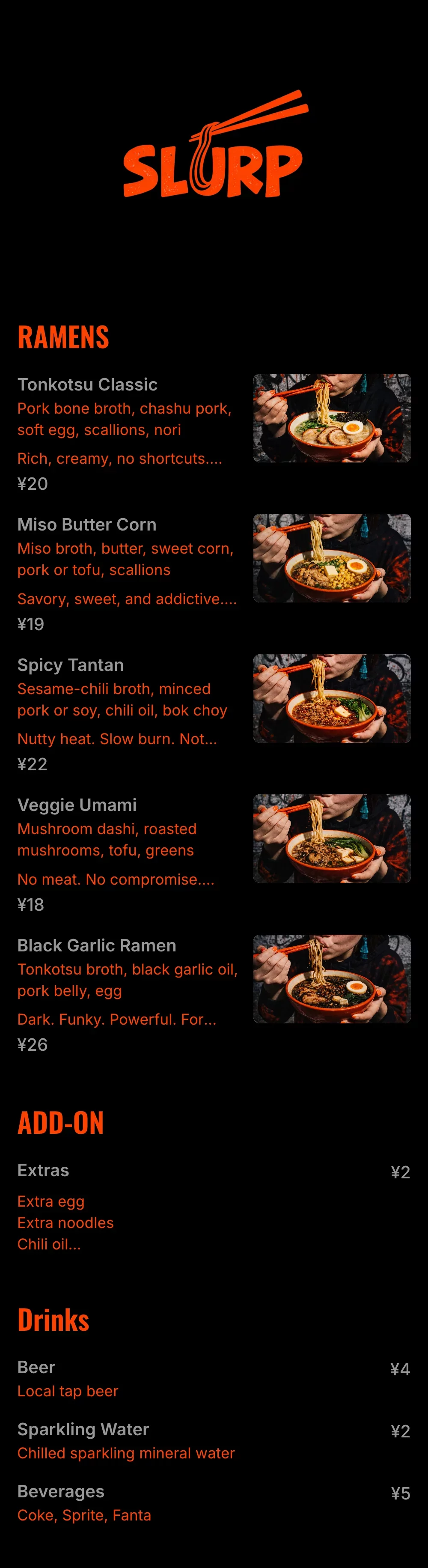
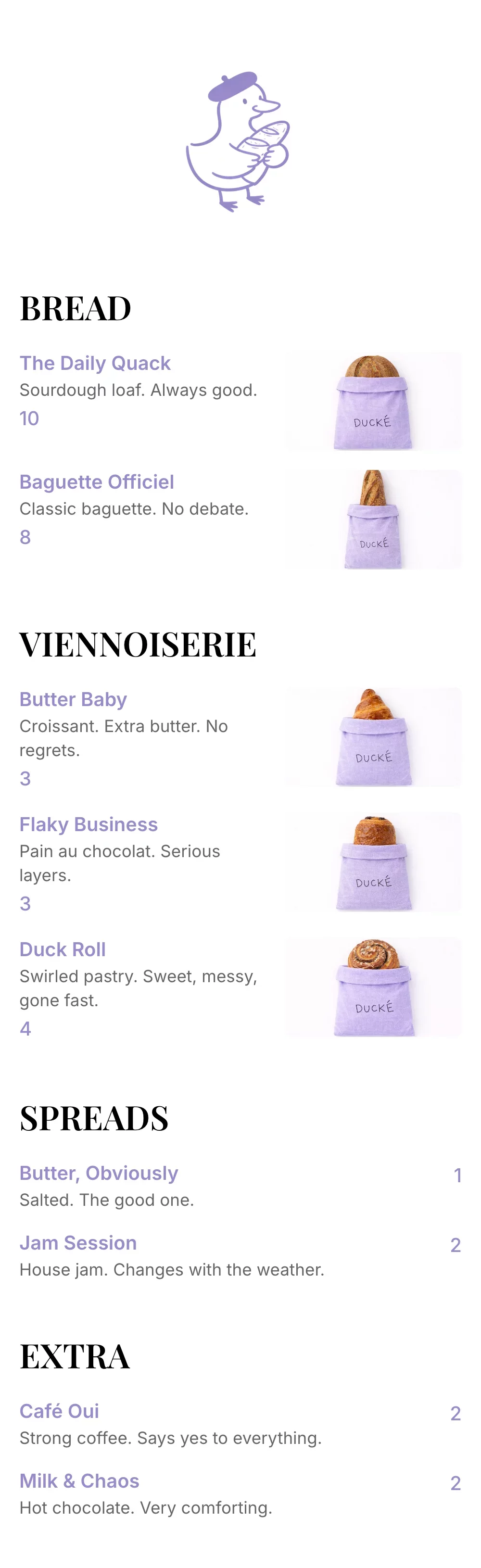
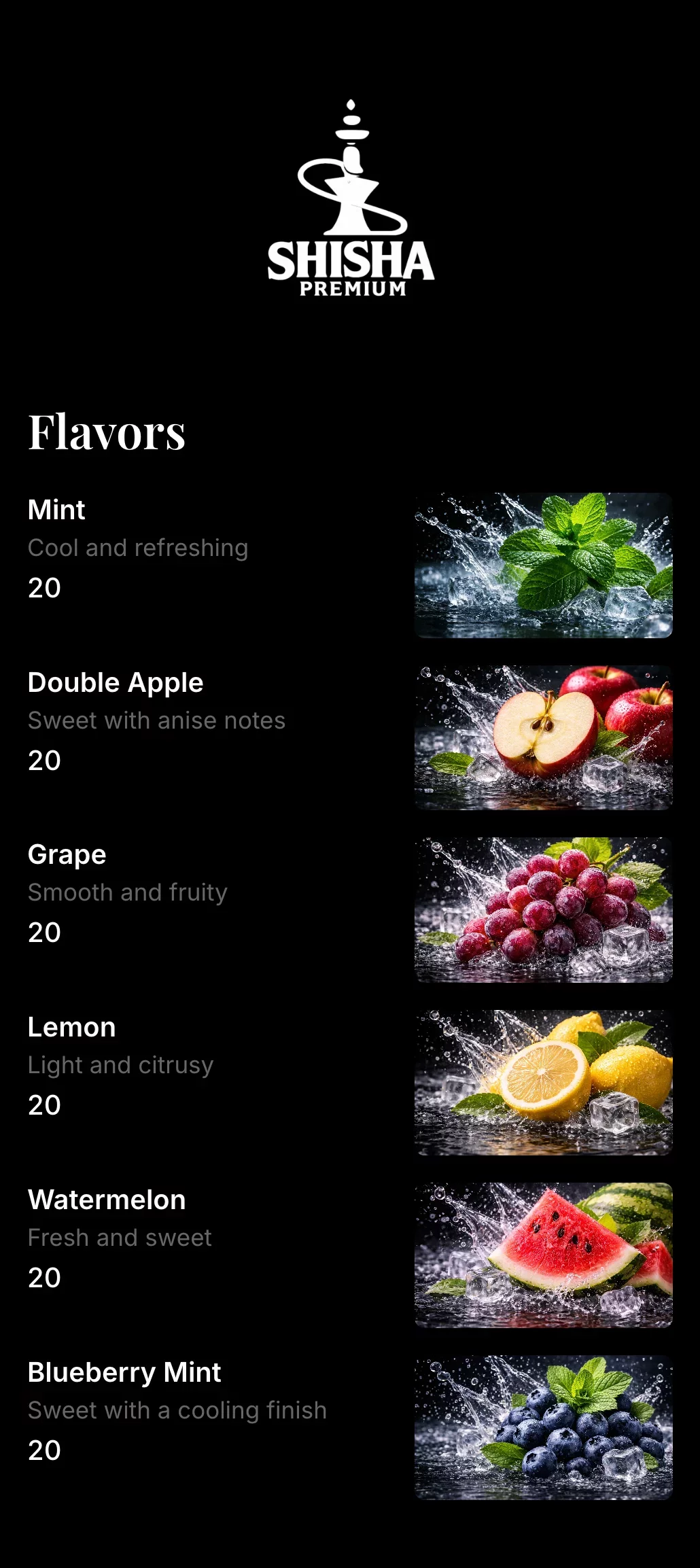
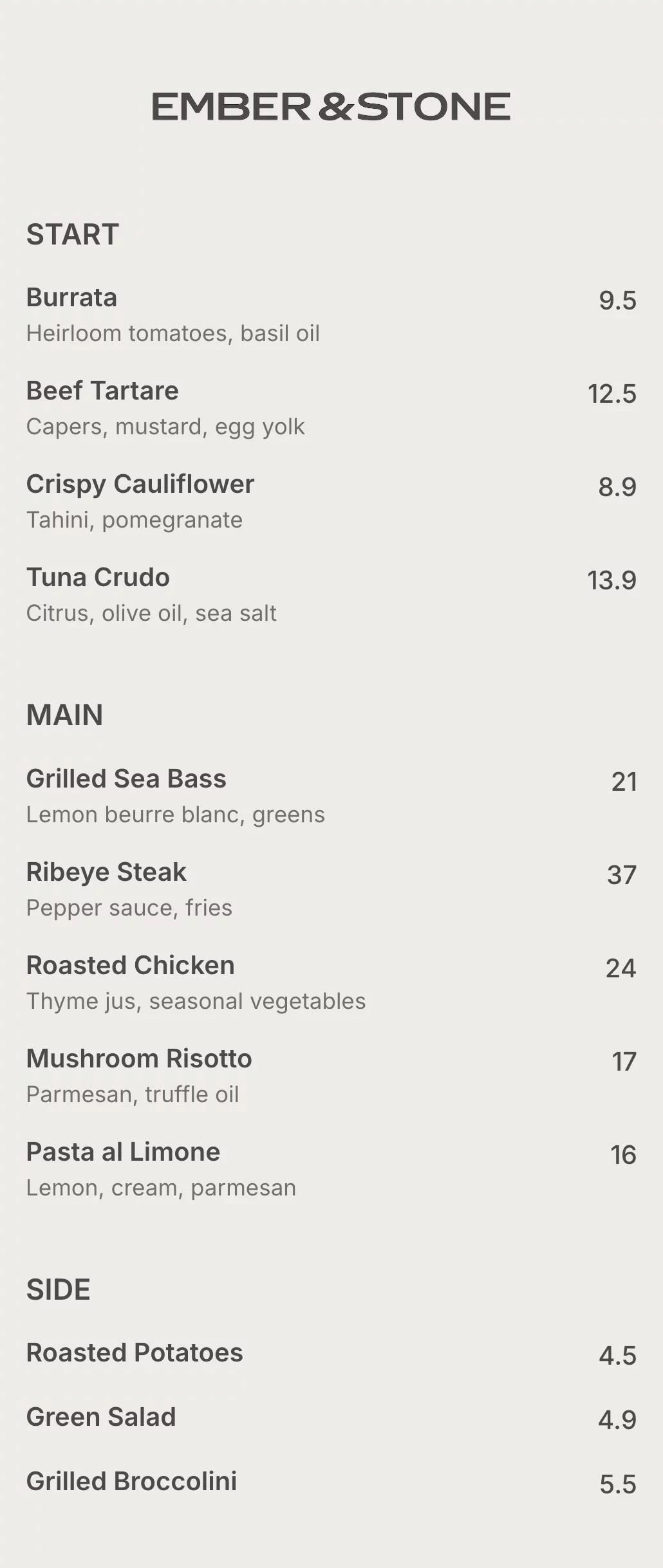
Restaurant menu templates for every business
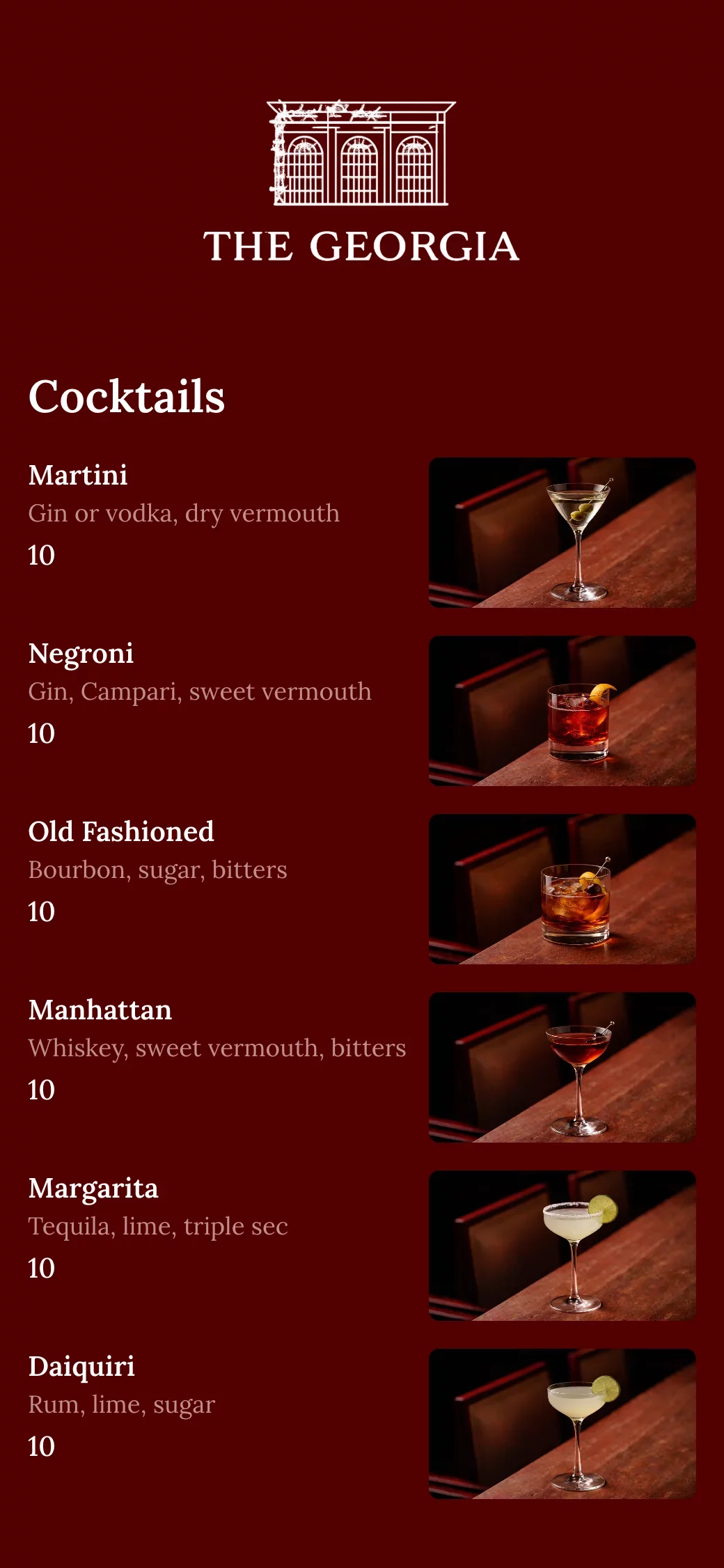
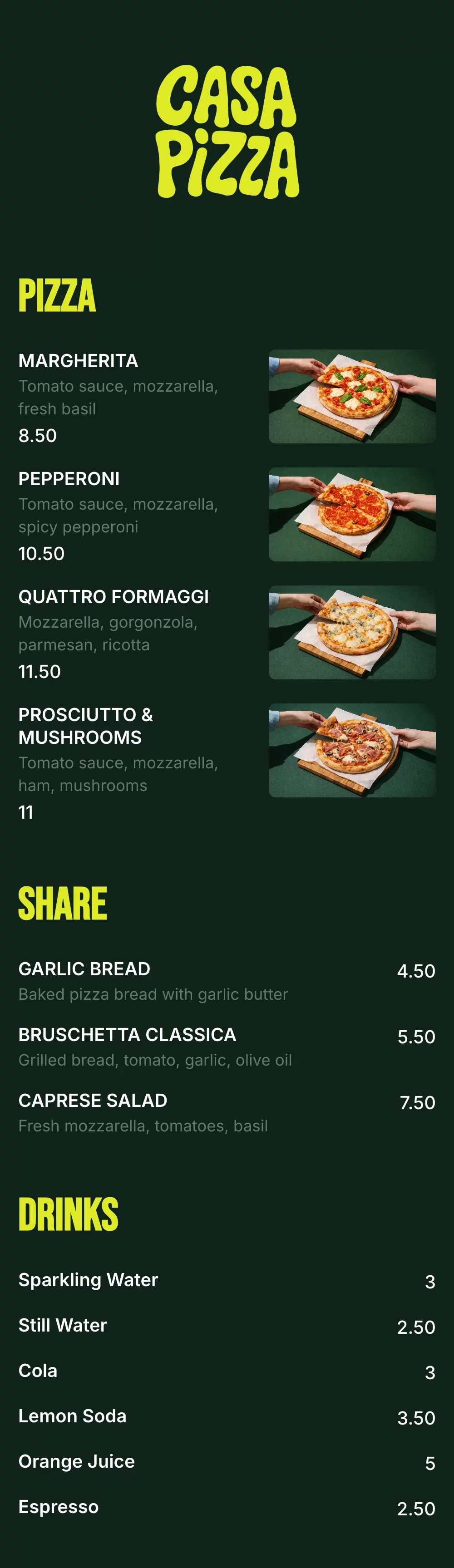
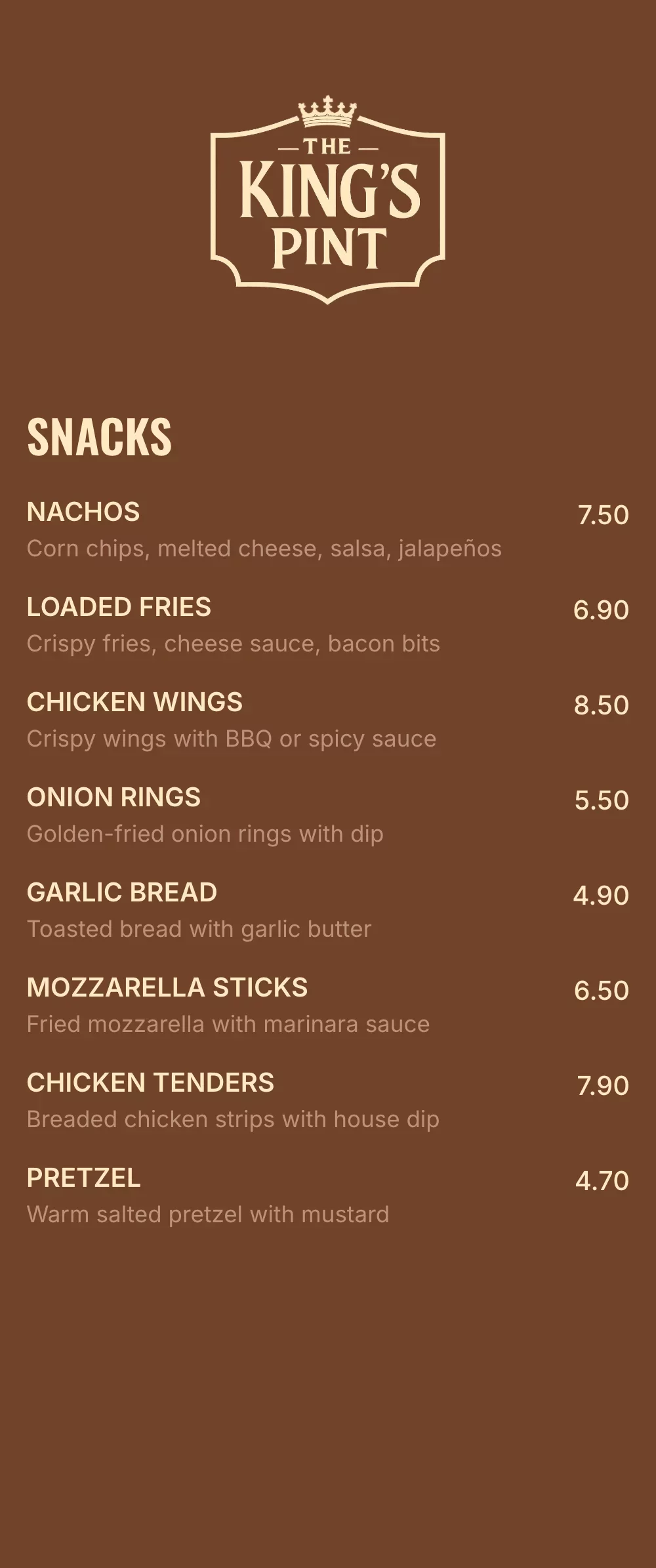
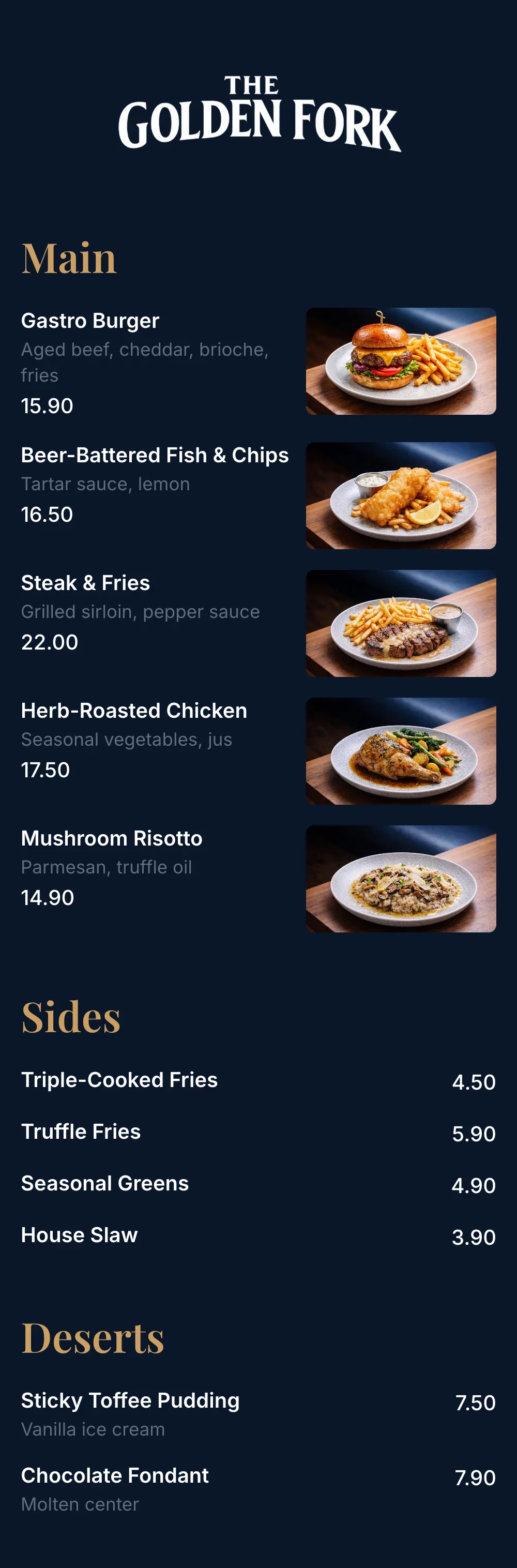
Explore professionally designed digital menu templates for restaurants. Create menus online, customize branding, and share your menu with a link or QR code.
-gszxpyaqfb.svg)

Your questions, answered
An online menu maker is a tool that lets restaurants create a digital menu that can be opened on any phone through a link or QR code. Instead of printing menus, you manage your menu online and update items, prices, or availability anytime.
A QR code menu works by linking a QR code to your digital menu. Customers scan the code with their phone camera and your menu opens instantly in their browser—no app download required.
Yes. You can update your menu anytime, and changes appear instantly. This is ideal for price updates, sold-out items, seasonal dishes, or daily specials—without reprinting menus.
Yes. A digital menu is mobile-friendly, faster to load, and easier to read than a PDF. Unlike PDFs, digital menus adapt to screen size, are searchable, and can be updated instantly.
Yes. You can customize colors, fonts, and layout to match your restaurant’s branding, so your digital menu looks professional and on-brand.