
Digital restaurant menu for modern restaurants
Create a digital restaurant menu, customize the design, and share it with a link or scan for menu QR code
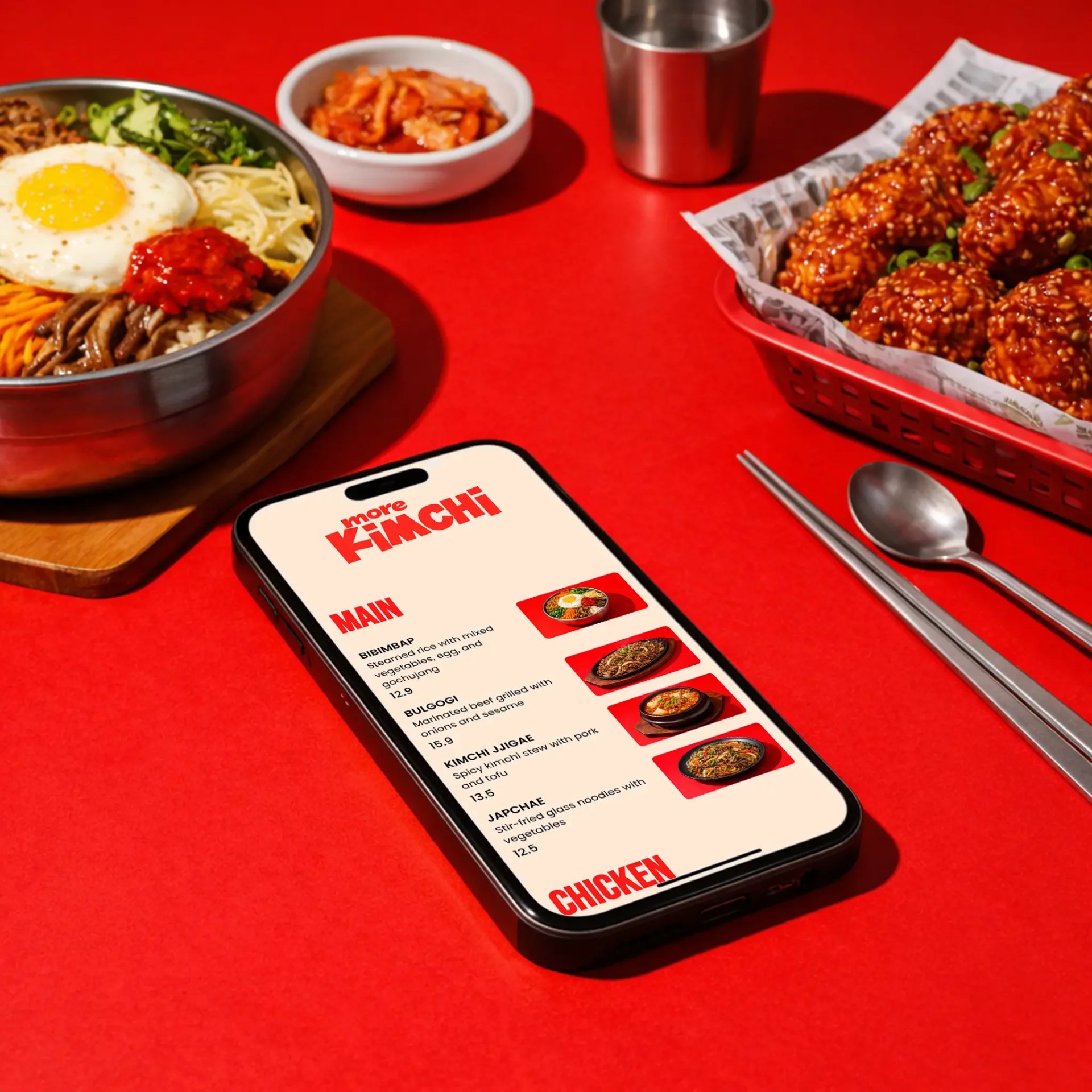
![[object Object]](/a/4jaHtSAV5Z4gvNr0E75QxM/korean-menu.webp?width=1920&quality=85)




Why restaurants are switching to digital menus
Printed menus are hard to update, expensive to reprint, and frustrating to read on phones. A digital restaurant menu lets you update items, prices, and availability instantly — and your customers always see the latest version.

Prices change? Update in seconds
New dish? Add it instantly
No more printing or reprinting
Easy to read on any phone
How to create digital restaurant menu
Add your items, customize the look, and instantly share your menu with a link or QR code.

Add your menu items
Enter your dishes, descriptions, prices using a simple menu editor.
MAIN CHICKEN

Customize your design
Choose colors, fonts, and layout to match your restaurant’s brand.

Generate QR code & Publish
Get a scan for menu QR code that opens your menu instantly on any phone.
Everything you need to create a digital restaurant menu
Say goodbye to printed menus. Build, update, and share your digital menu instantly—always accurate, always on brand.
Digital restaurant menu editor
Choose colors, fonts, and layout to match your restaurant’s brand.
QR code menu generator
Each menu gets a unique QR code customers can scan at the table.
Custom branding
Match your menu to your restaurant brand with colors, fonts, and layout.

Instant updates
Change prices, items, or availability in seconds—no reprints.

Mobile-friendly menu
Designed to be easy to read on any phone, with clean layout and fast loading.

Shareable menu link
Use your menu link on Google, Instagram, website, or delivery platforms.
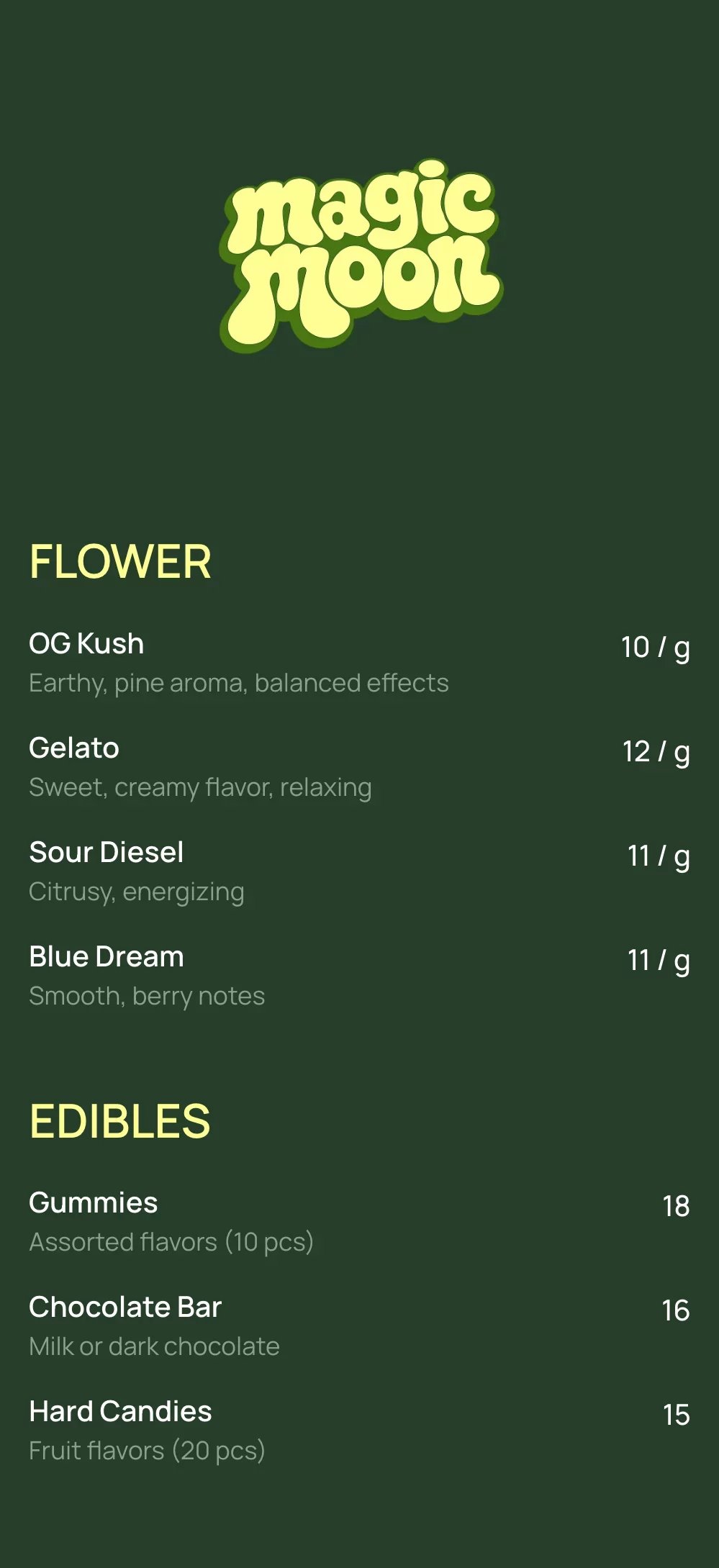
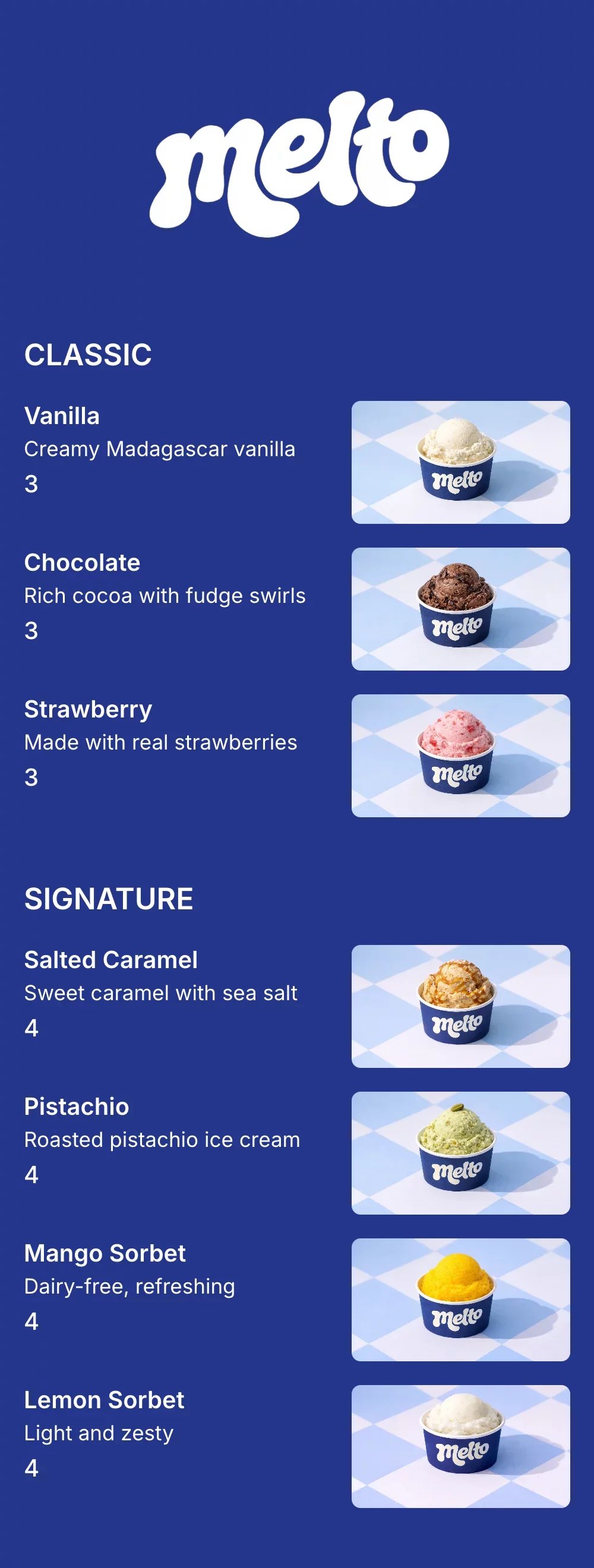
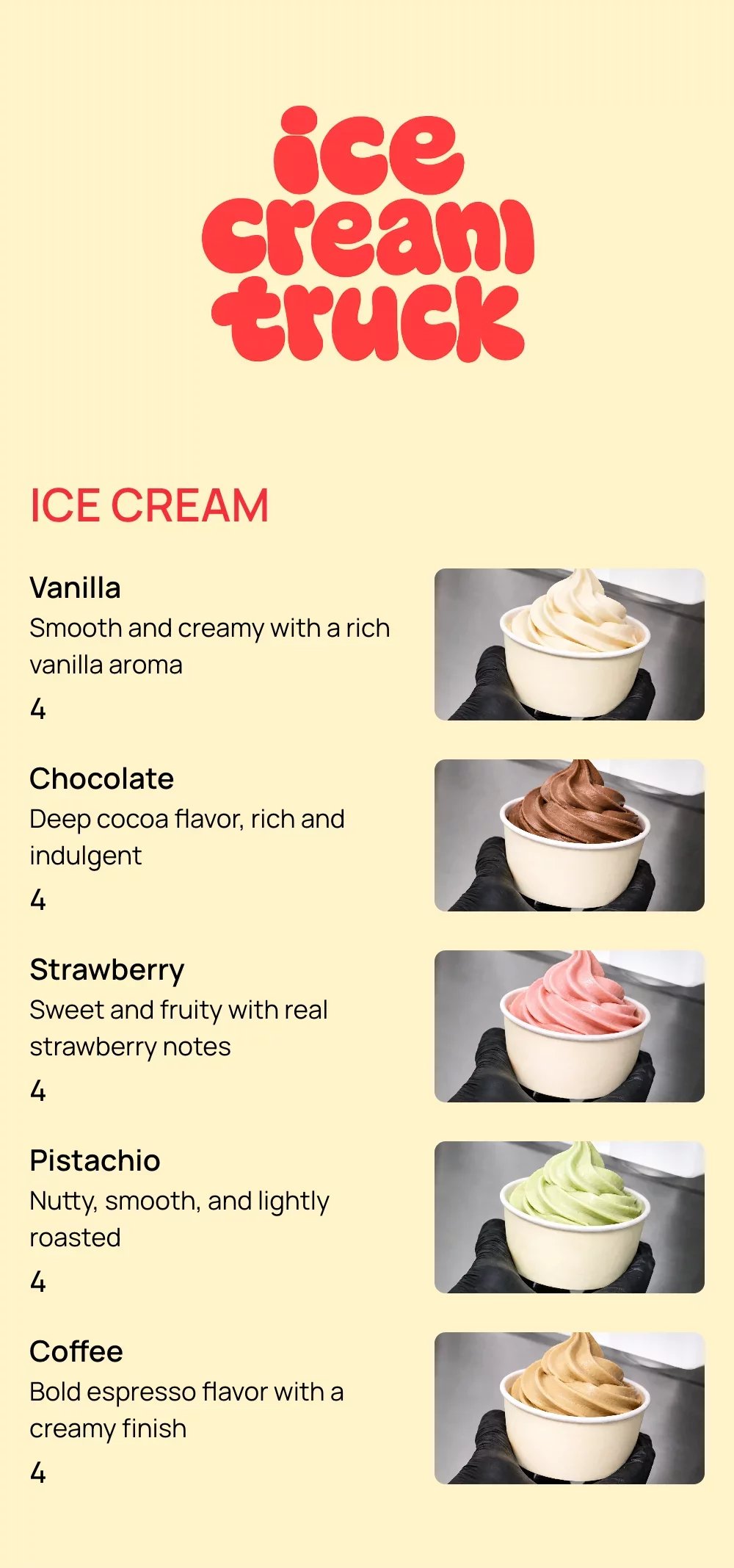
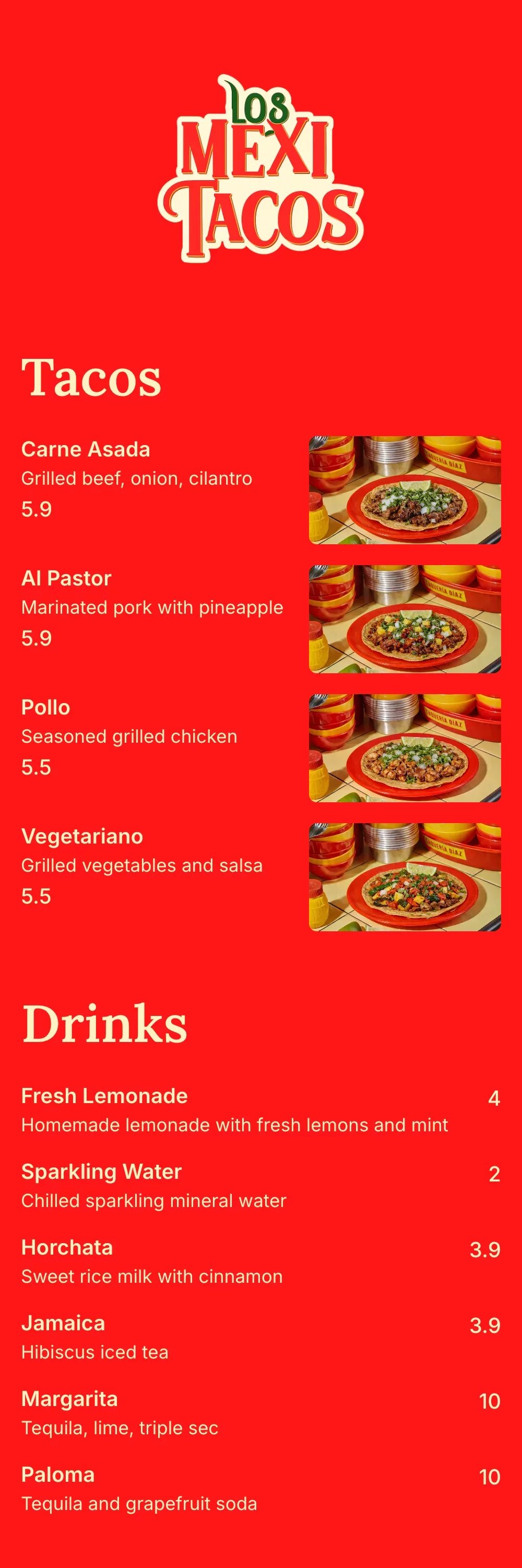
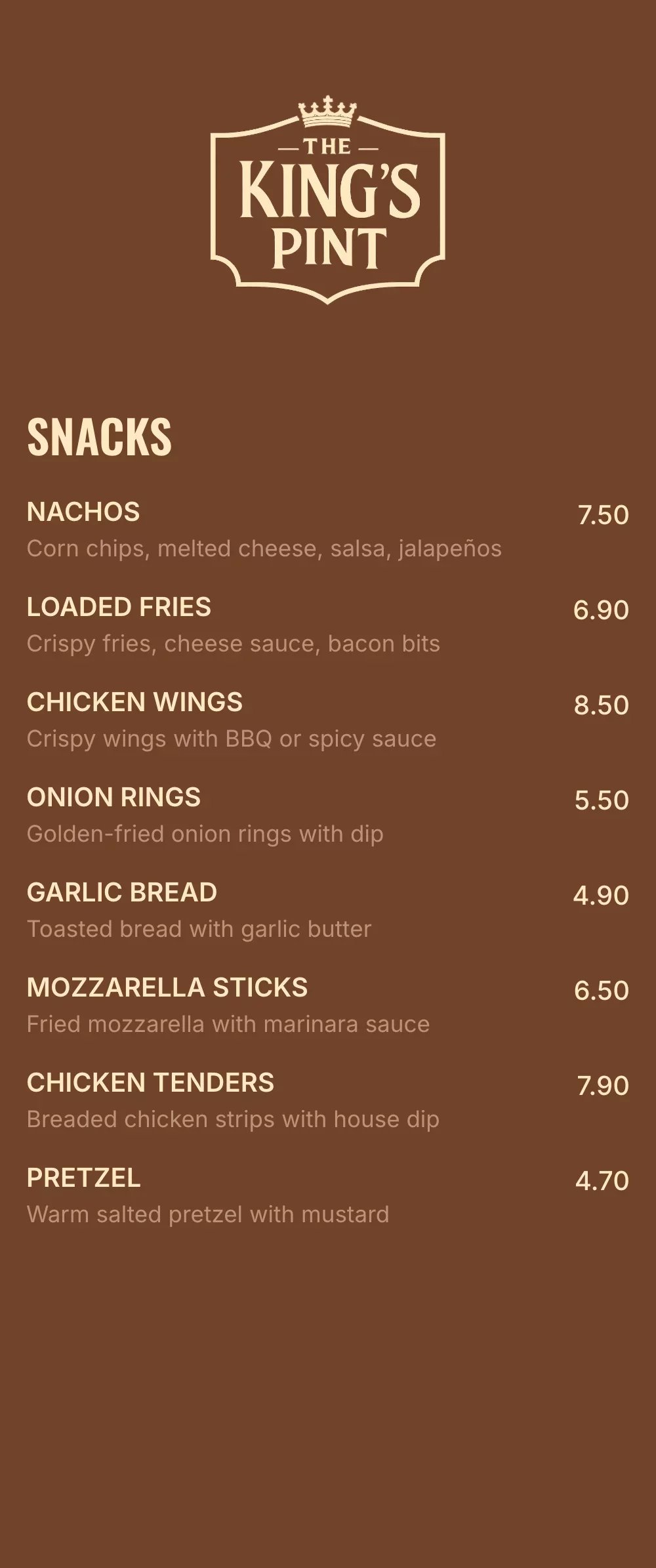
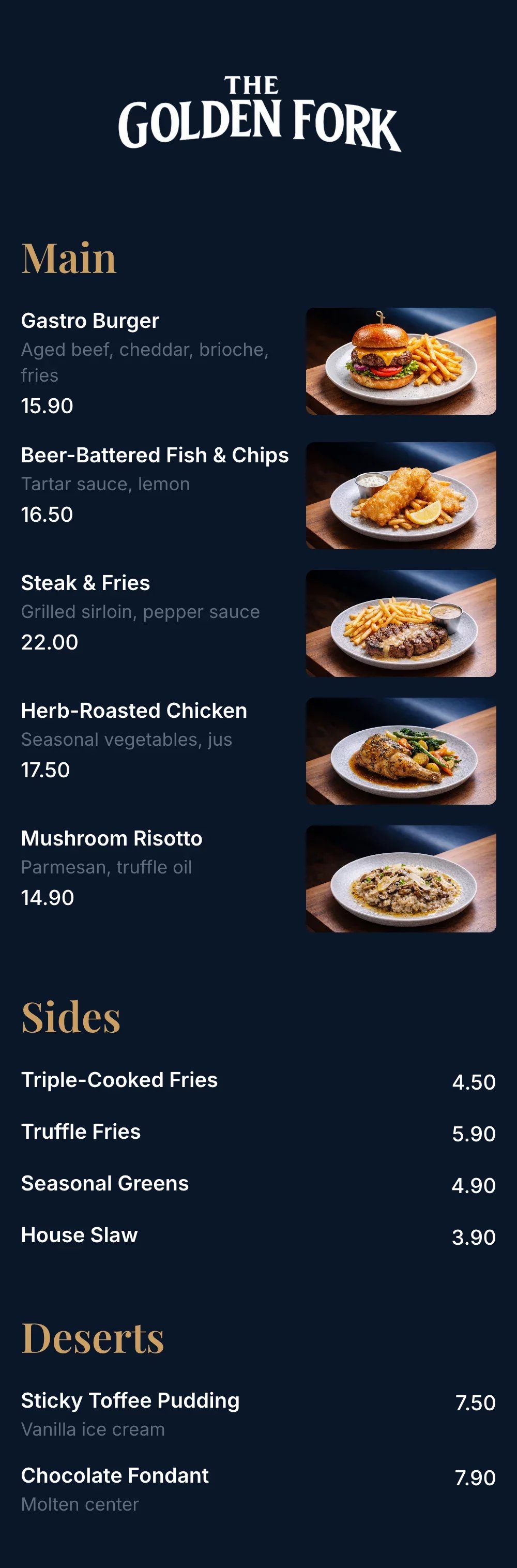
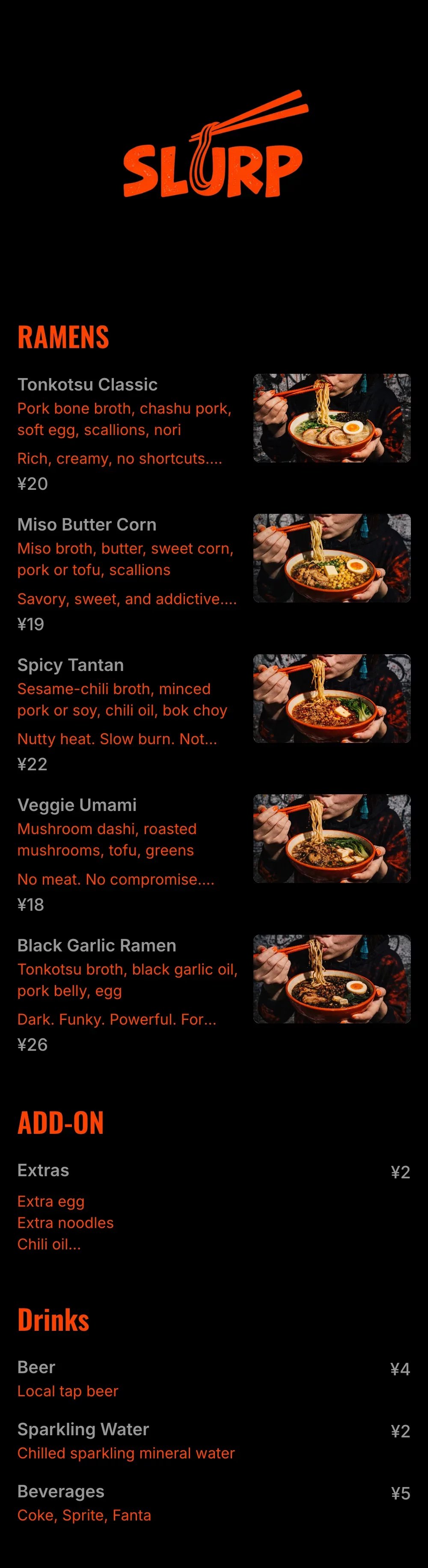
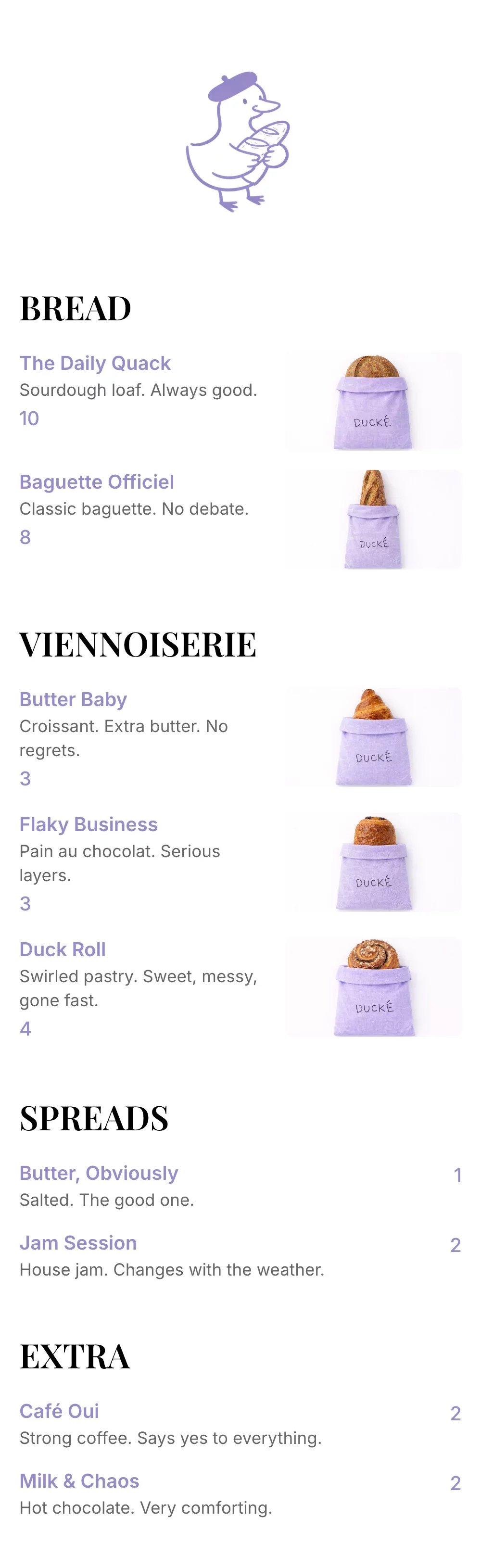
Restaurant menu templates for every business
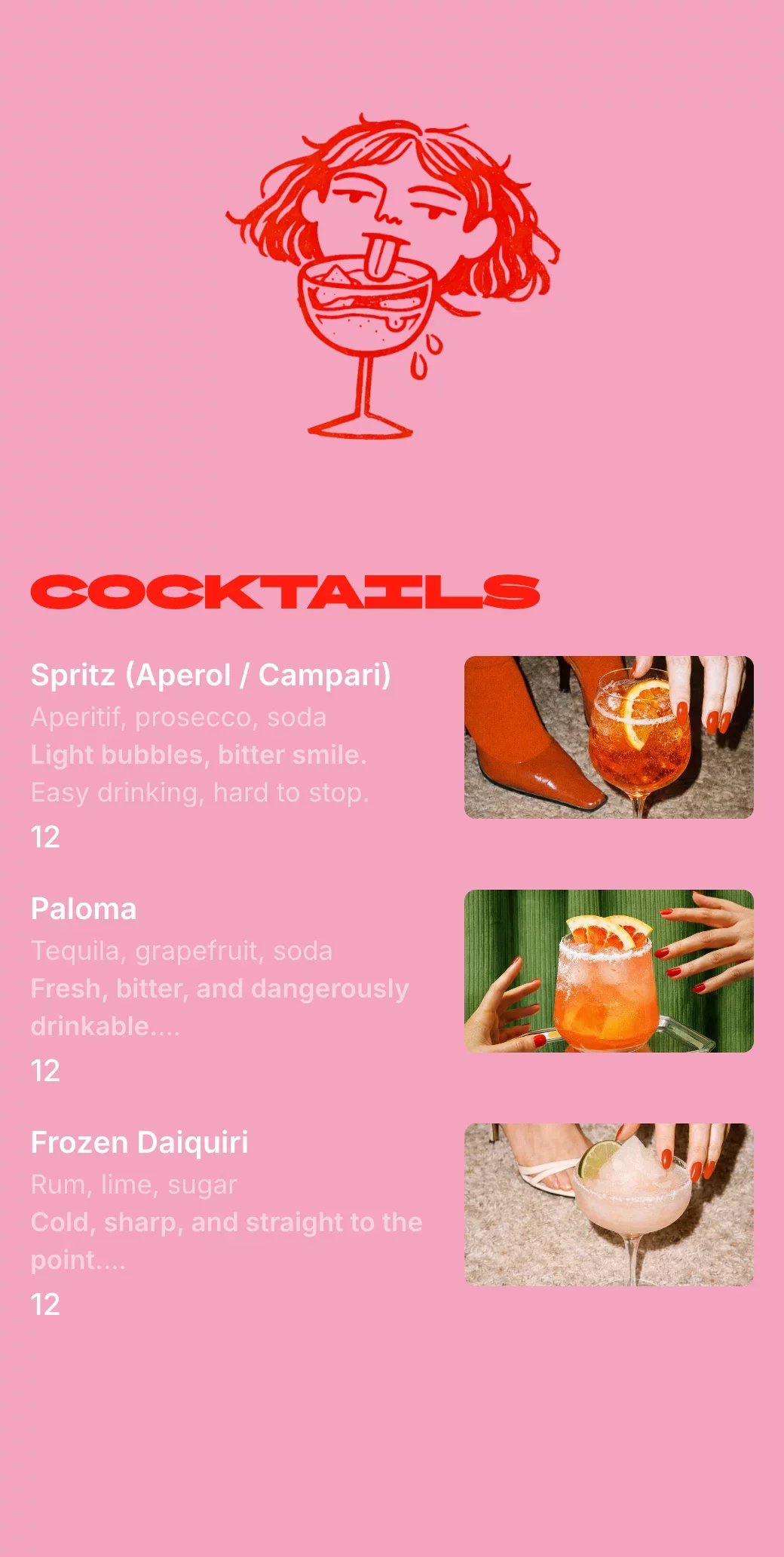
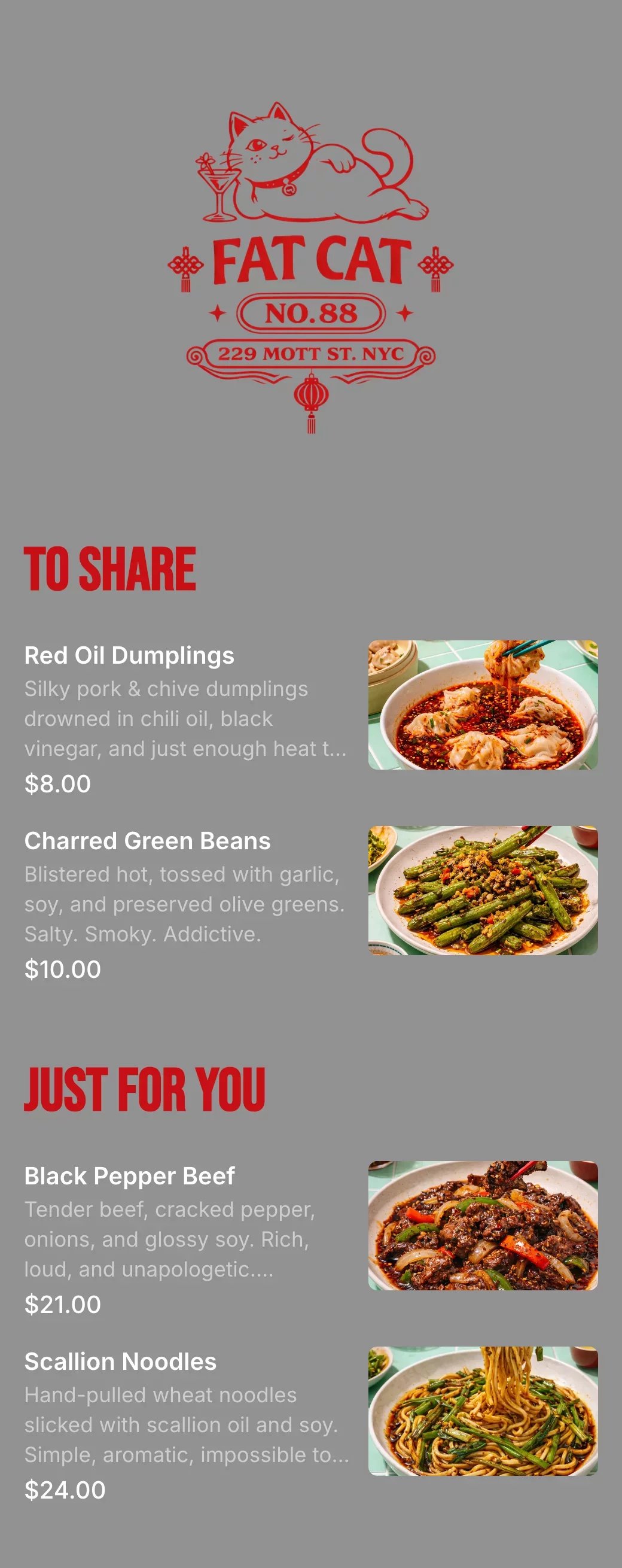
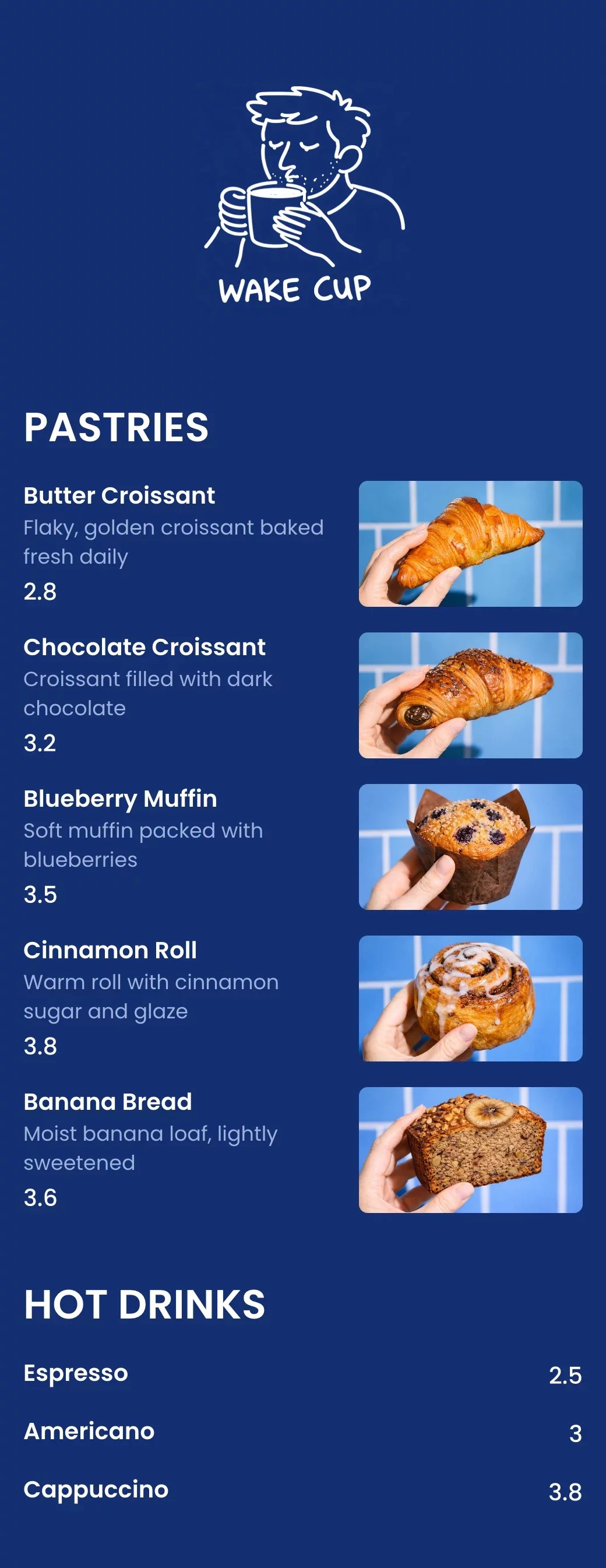
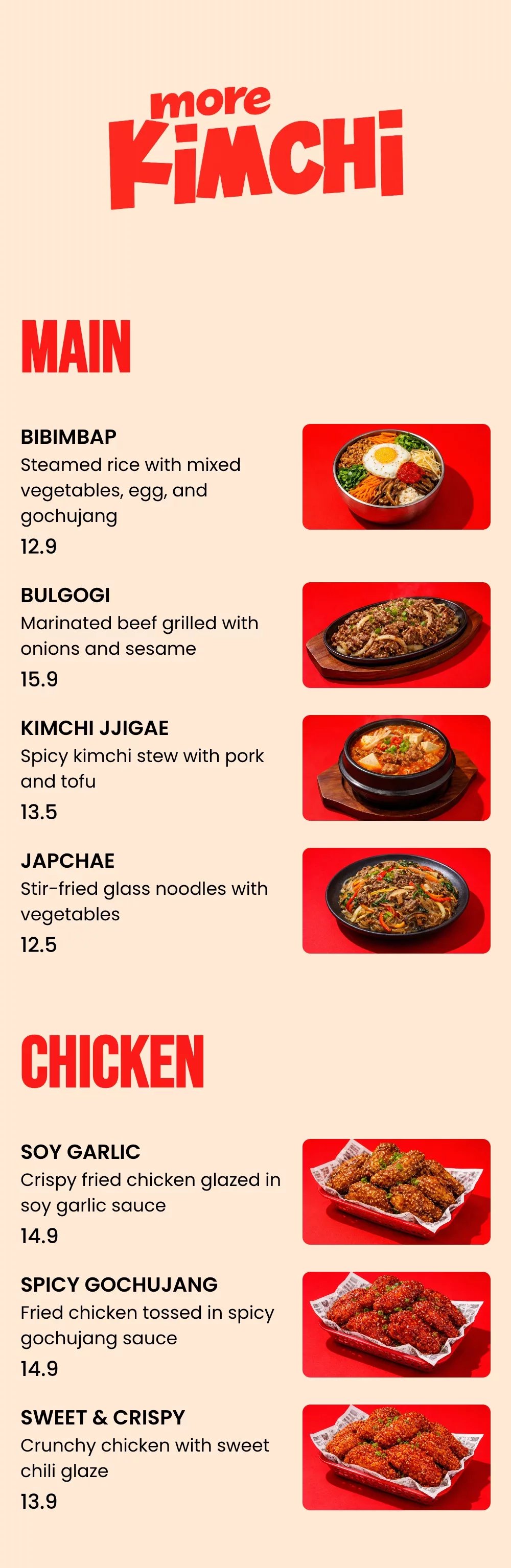
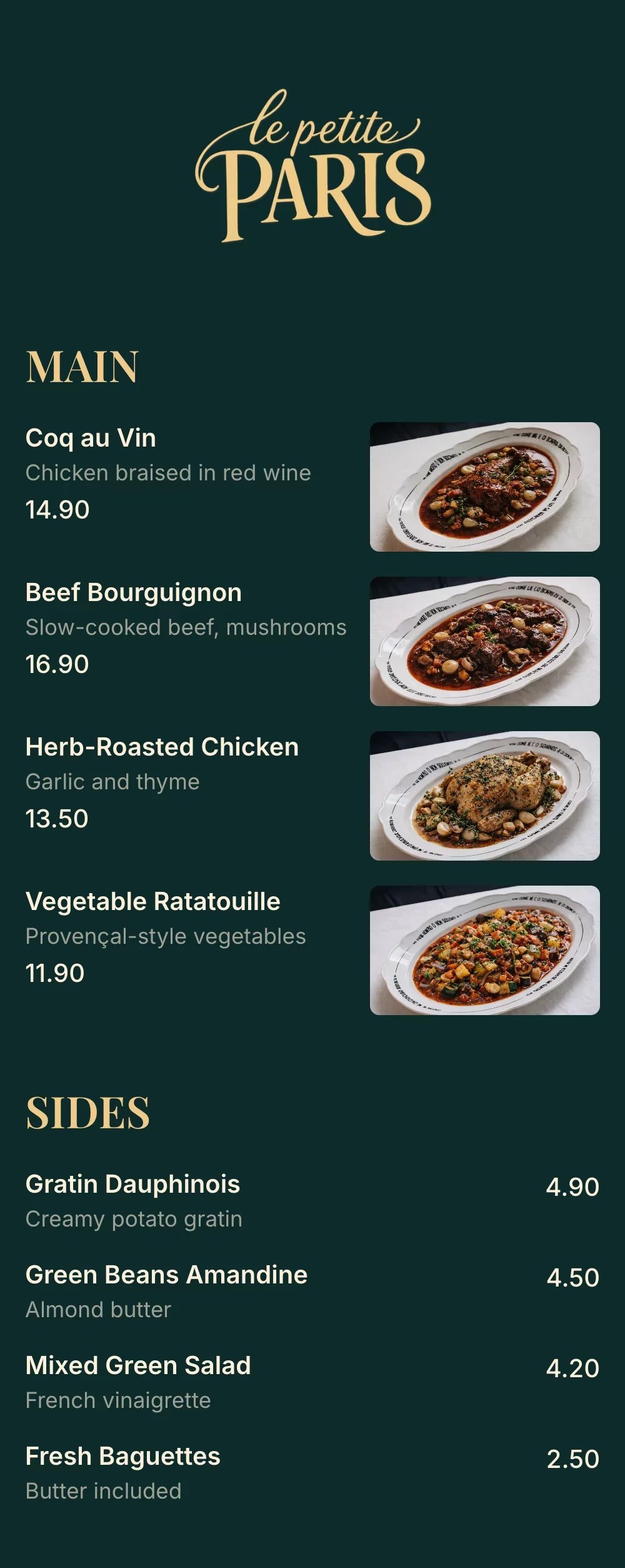
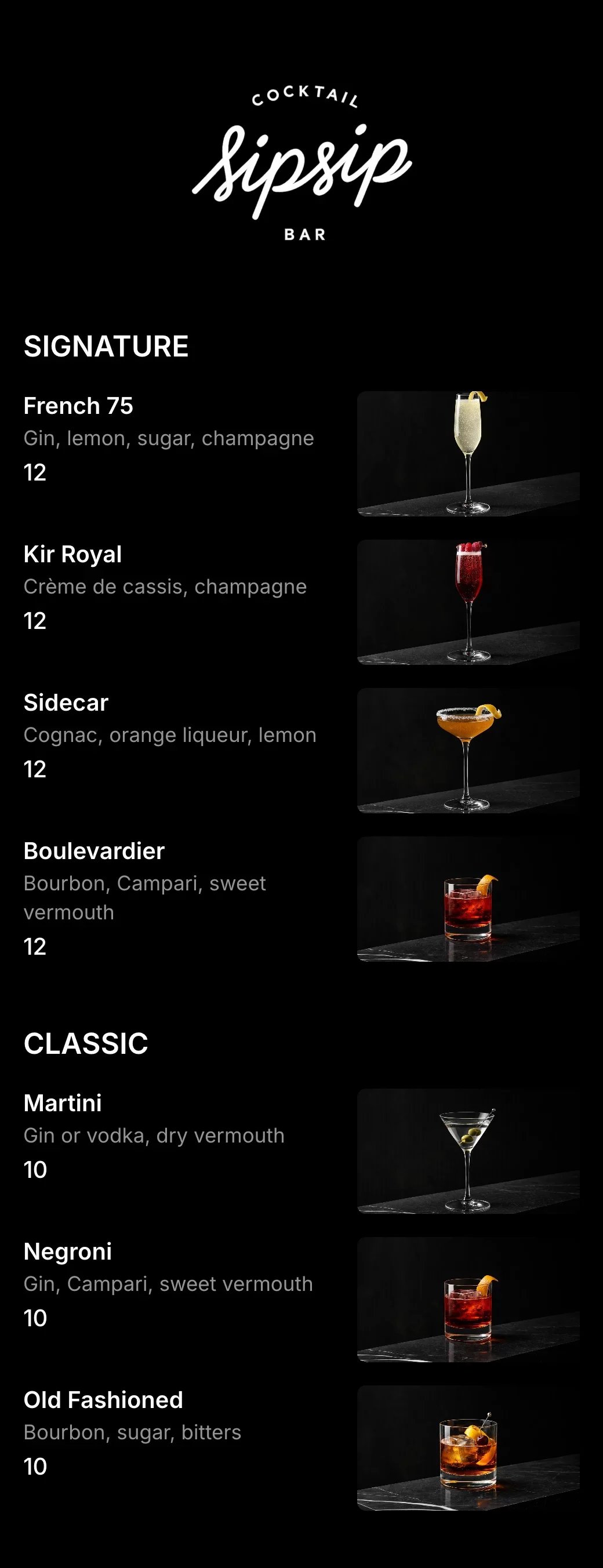
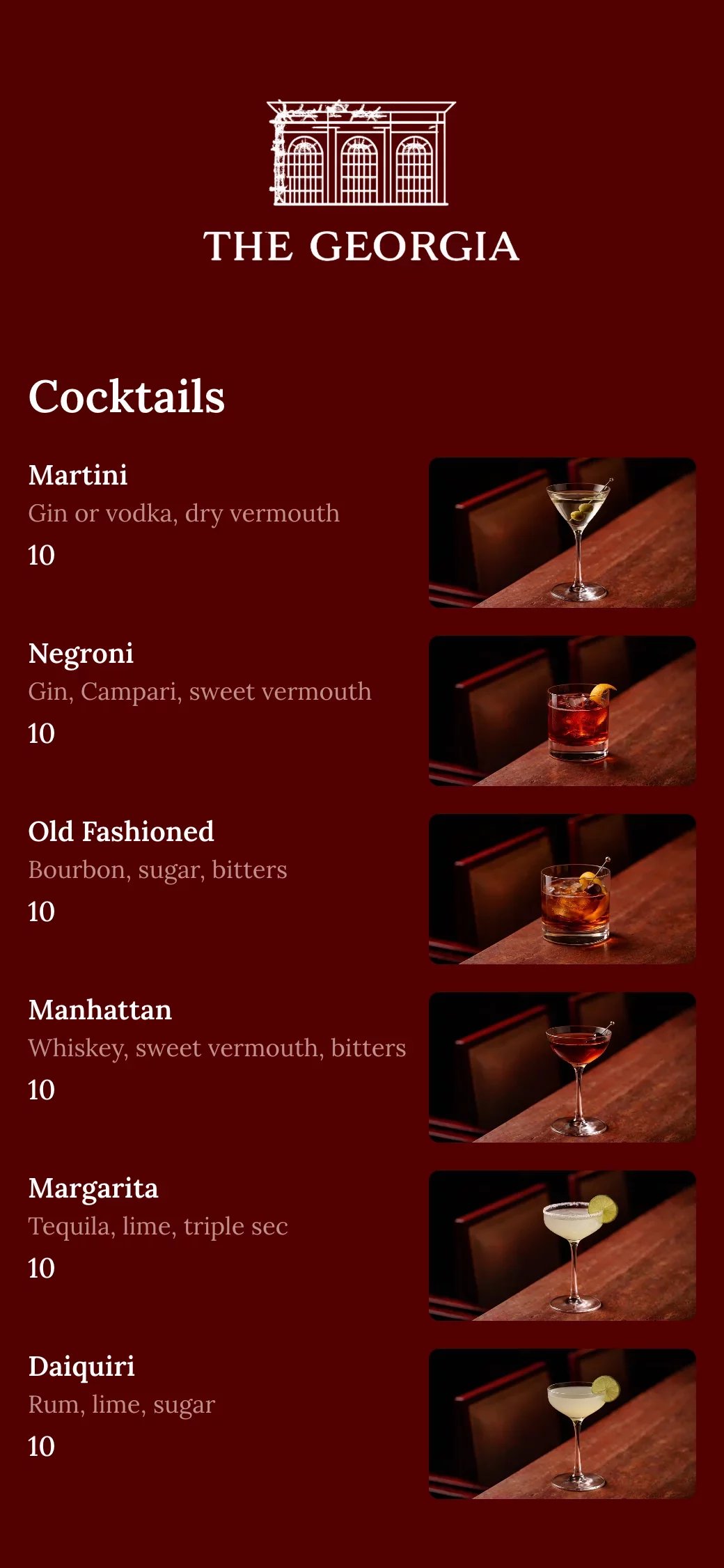
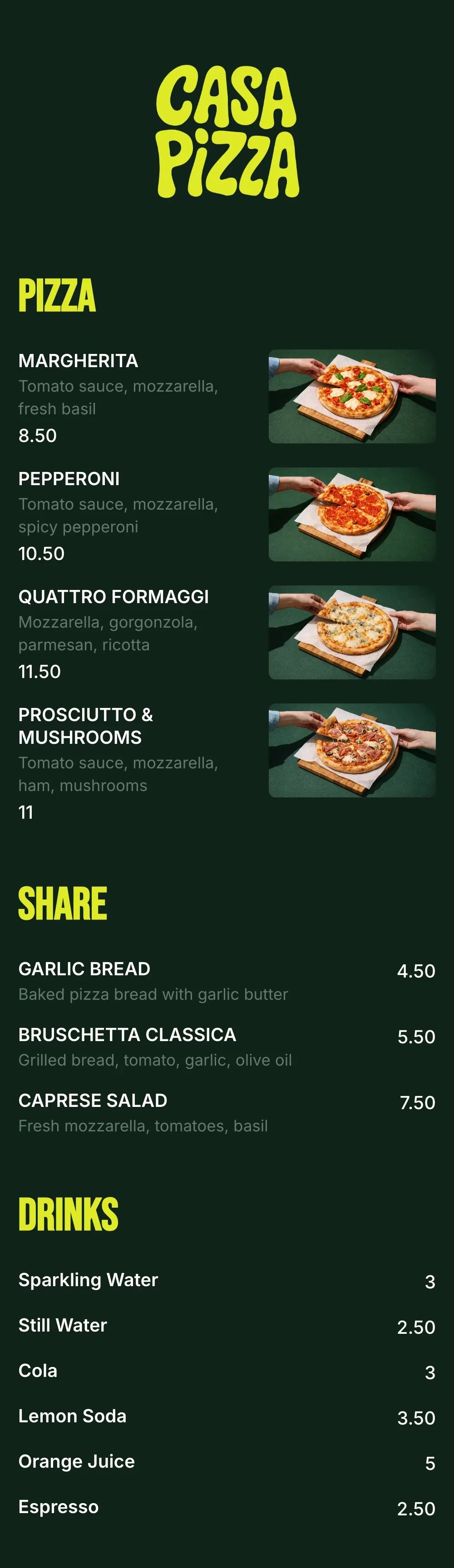
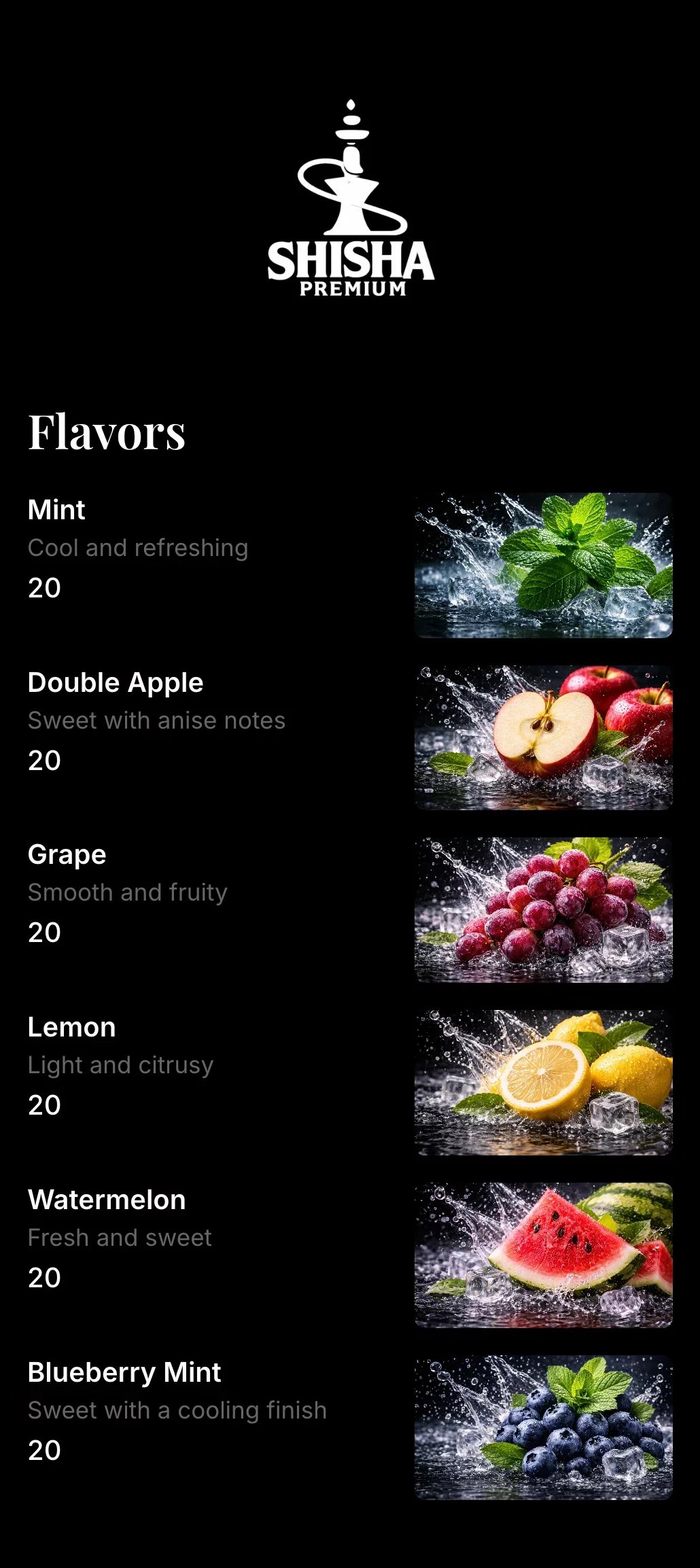
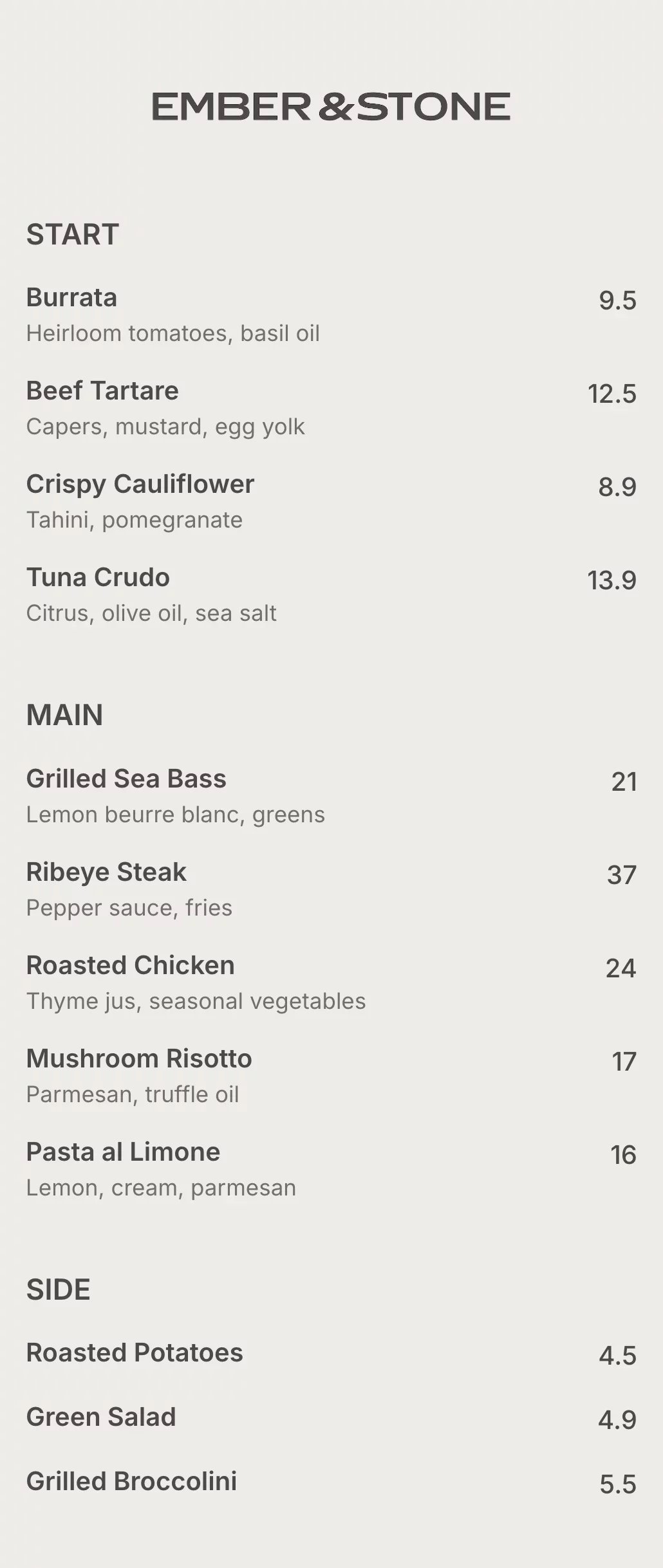
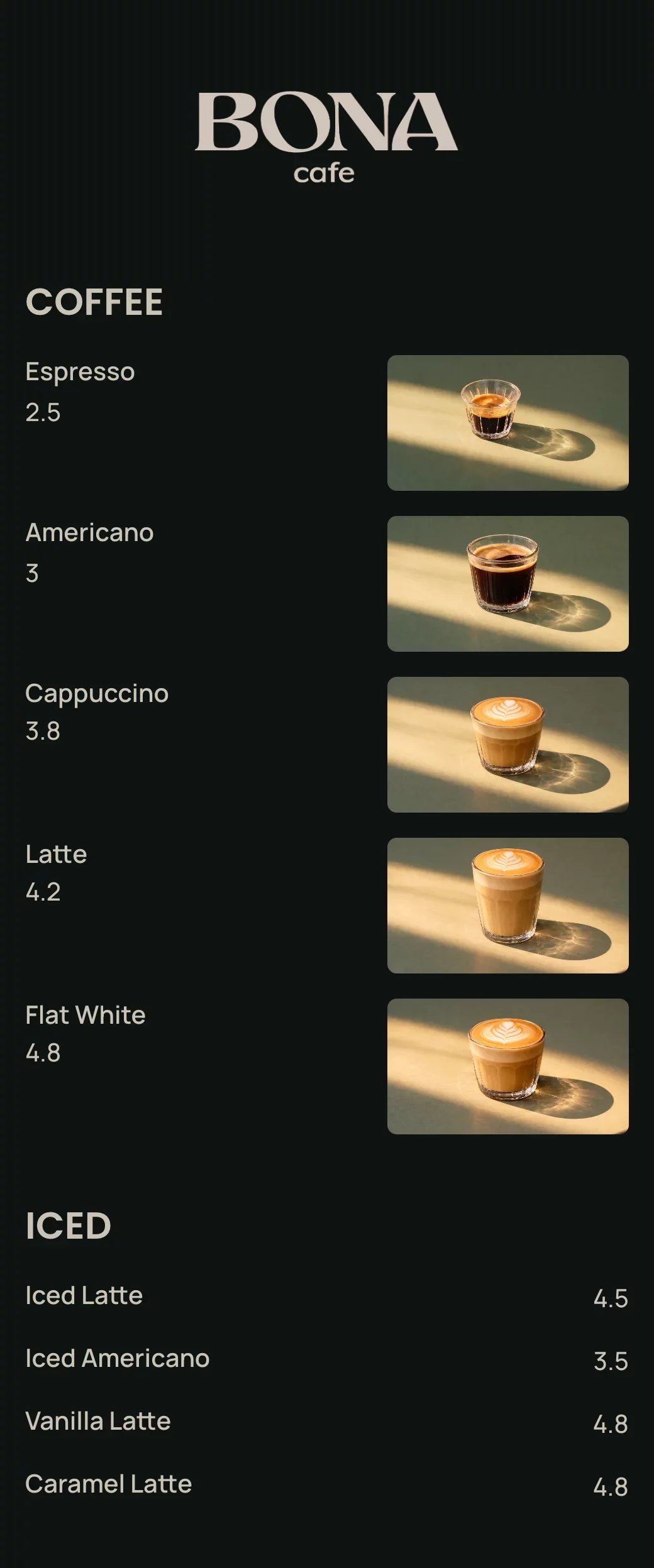
Explore professionally designed digital menu templates for restaurants. Create menus online, customize branding, and share your menu with a link or QR code.
Your questions, answered
A digital restaurant menu is an online menu that customers can view on their phone by scanning a QR code or opening a link. It replaces printed menus and makes it easy to update items, prices, and descriptions instantly.
A QR code menu works by placing a QR code on tables, signs, or receipts. Customers scan the QR code with their phone camera and instantly see the digital restaurant menu in their browser — no app download required.
Yes. Digital restaurant menus work on both iPhone and Android devices. Customers simply use their phone camera to scan the QR code and view the menu directly in their web browser.
Yes. A digital restaurant menu is easier to update, costs nothing to reprint, and is more convenient for customers to view on their phones compared to traditional printed menus.
Yes. You can update your digital restaurant menu anytime. Changes to prices, items, or availability appear instantly, without printing new menus or replacing QR codes.
A digital menu is mobile-friendly and easy to read on any device, while PDF menus are often hard to zoom, slow to load, and difficult to update. Digital restaurant menus are designed specifically for phones.
No. A QR code restaurant menu opens directly in the customer’s browser. No app download or account is required.
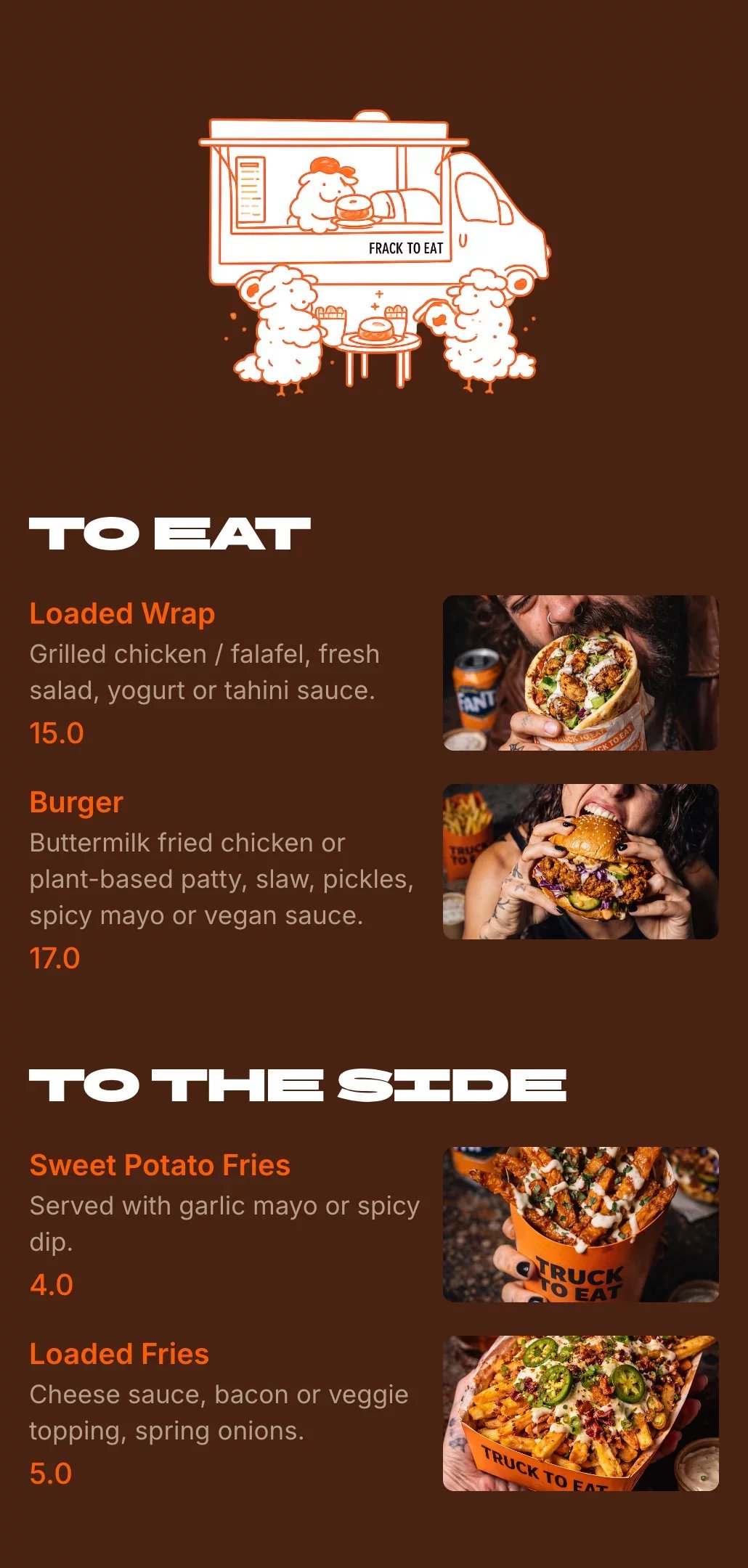
Yes. Digital restaurant menus are perfect for cafés, food trucks, bars, and takeaway spots because they’re quick to update and easy to access with a QR code or link.