
QR code menu for restaurants
Create a digital menu customers can scan on their phone. Update items and prices instantly — no printing, no apps.
![[object Object]](/a/2XJ2jzBlsUiqJCUkCRrL4s/catering-menu.webp?width=1920&quality=85)




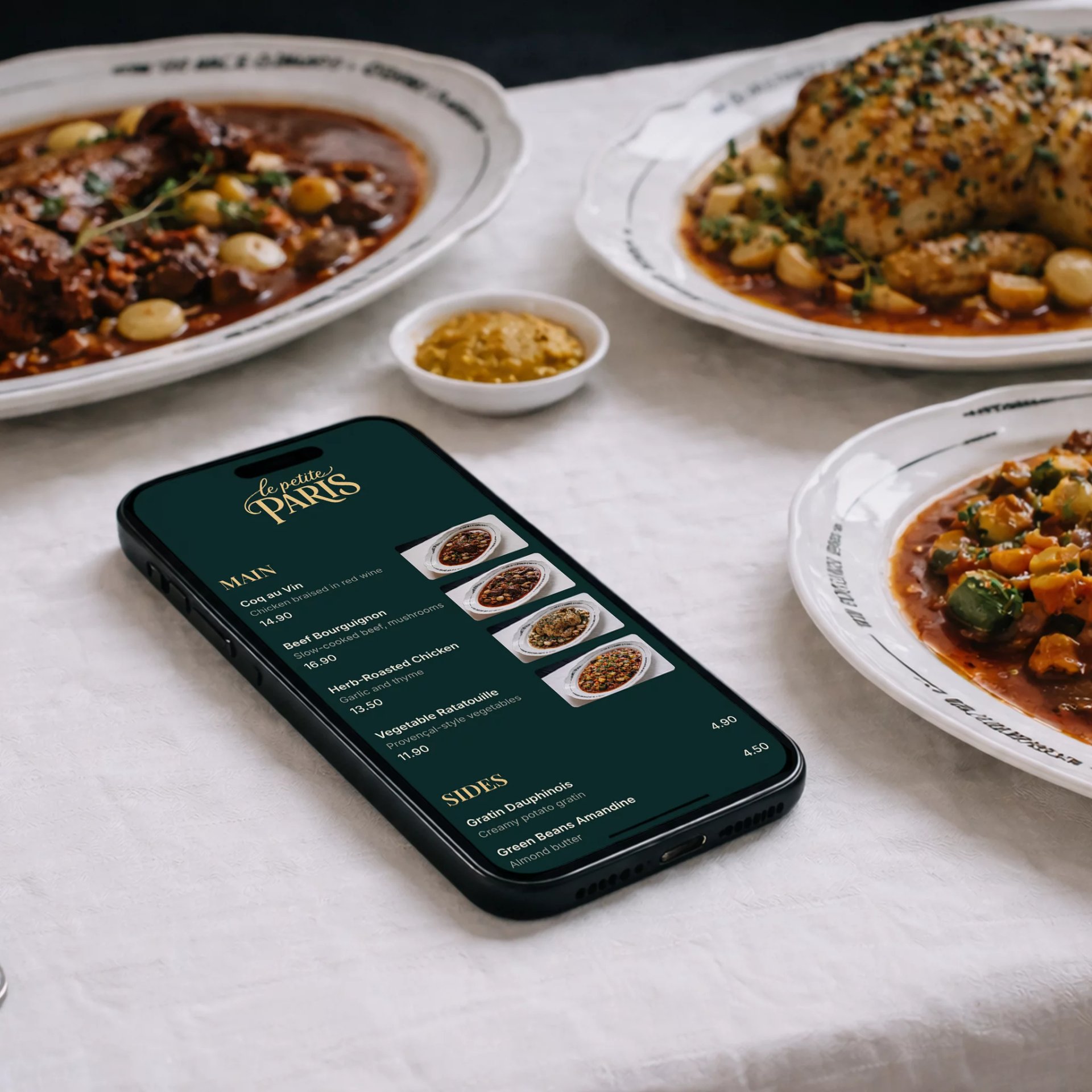
Why restaurant owners use QR code menus
Printed menus are expensive to update, hard to keep clean, and frustrating on mobile. A QR code menu solves all of that with one simple scan.

No more reprinting menus when prices change
Customers view your menu instantly on their phone
Cleaner tables, fewer physical menus
Perfect for dine-in, takeaway, and delivery
Works on iPhone and Android — no app required
How to make QR code menu
Add your menu items, customize the design, and create a QR code menu your customers can scan to view your restaurant menu instantly on their phone.

Add your restaurant menu items
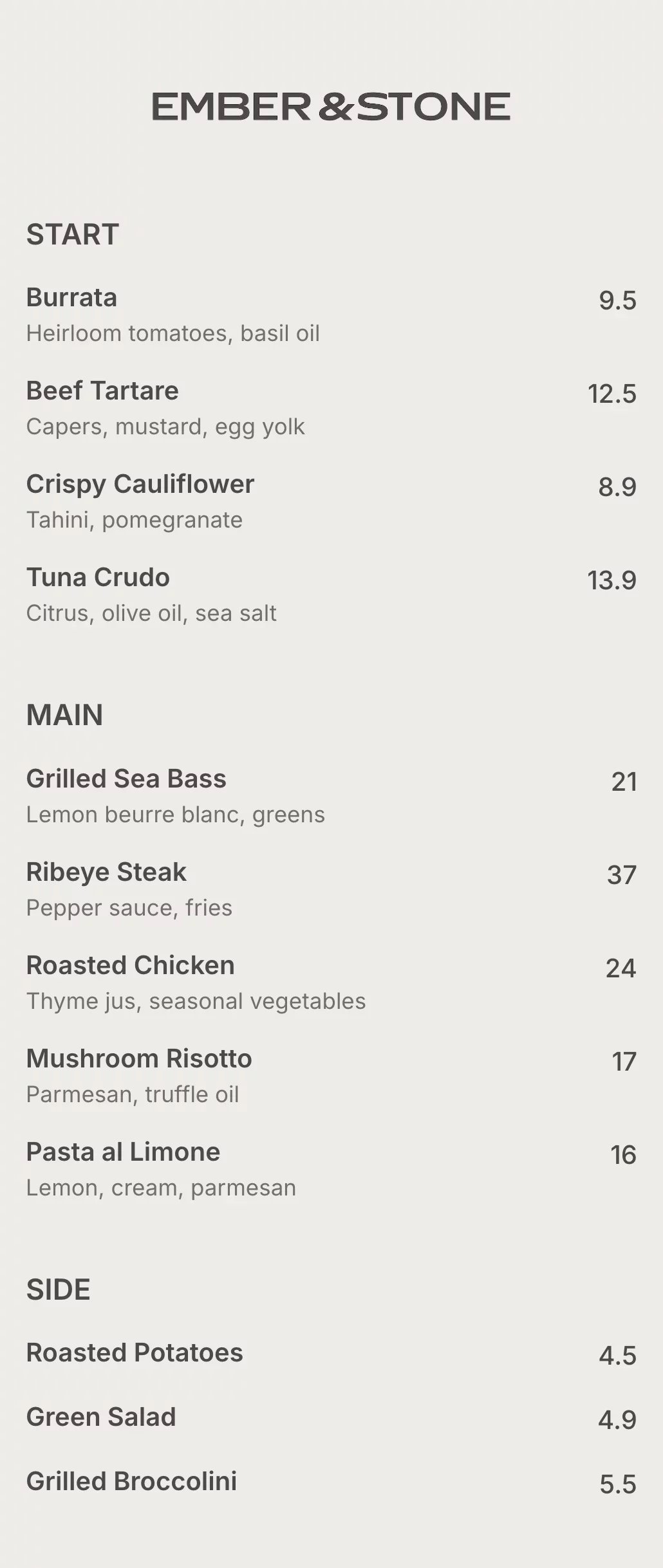
Enter your dishes, descriptions, and prices using a simple online menu editor built for restaurants.
MAIN CHICKEN

Customize your QR code menu design
Choose colors, fonts, and layout to match your restaurant brand and create digital menu.


Generate a QR code menu & publish
Create a menu QR code that customers can scan to view your menu instantly on any phone.
Everything your QR code menu needs
Say goodbye to printed menus. Build, update, and share your digital menu instantly—always accurate, always on brand.
Digital restaurant menu editor
Choose colors, fonts, and layout to match your restaurant’s brand.
QR code menu generator
Each menu gets a unique QR code customers can scan at the table.
Custom branding
Match your menu to your restaurant brand with colors, fonts, and layout.

Instant updates
Change prices, items, or availability in seconds—no reprints.

Mobile-friendly menu
Designed to be easy to read on any phone, with clean layout and fast loading.

Shareable menu link
Use your menu link on Google, Instagram, website, or delivery platforms.
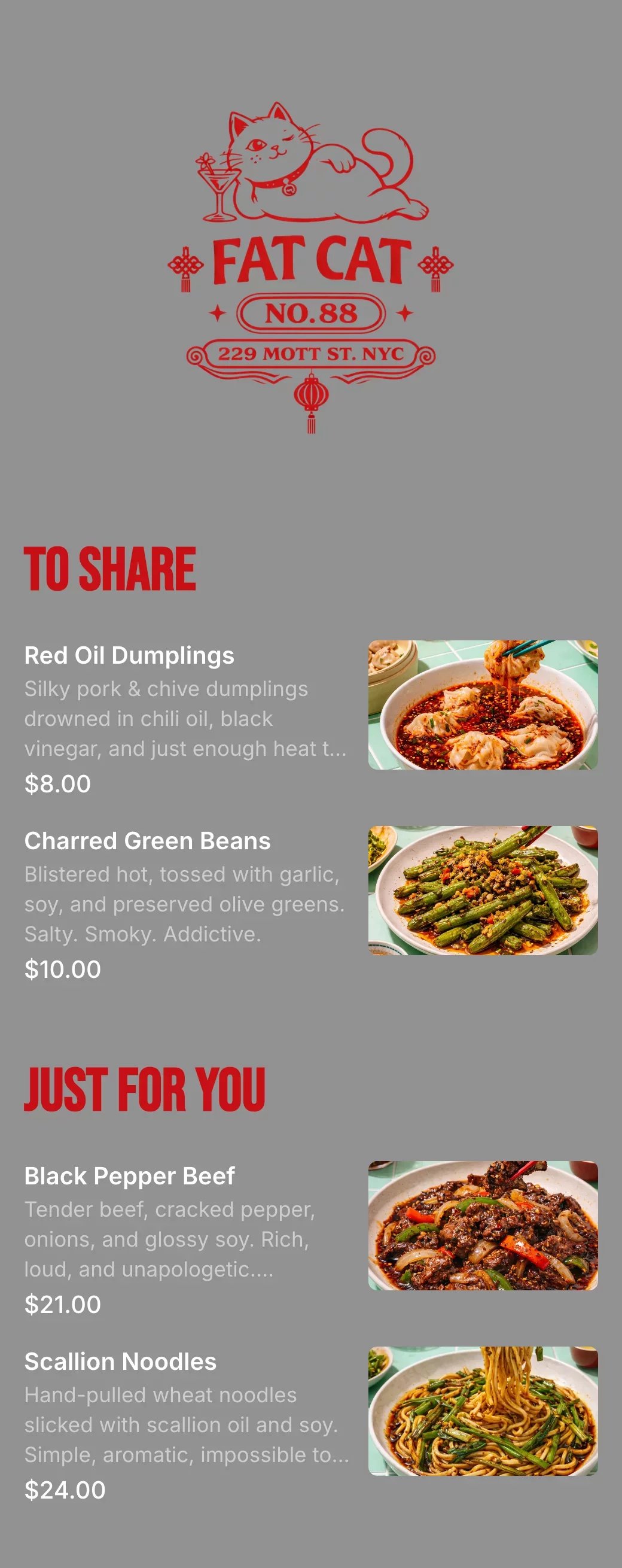
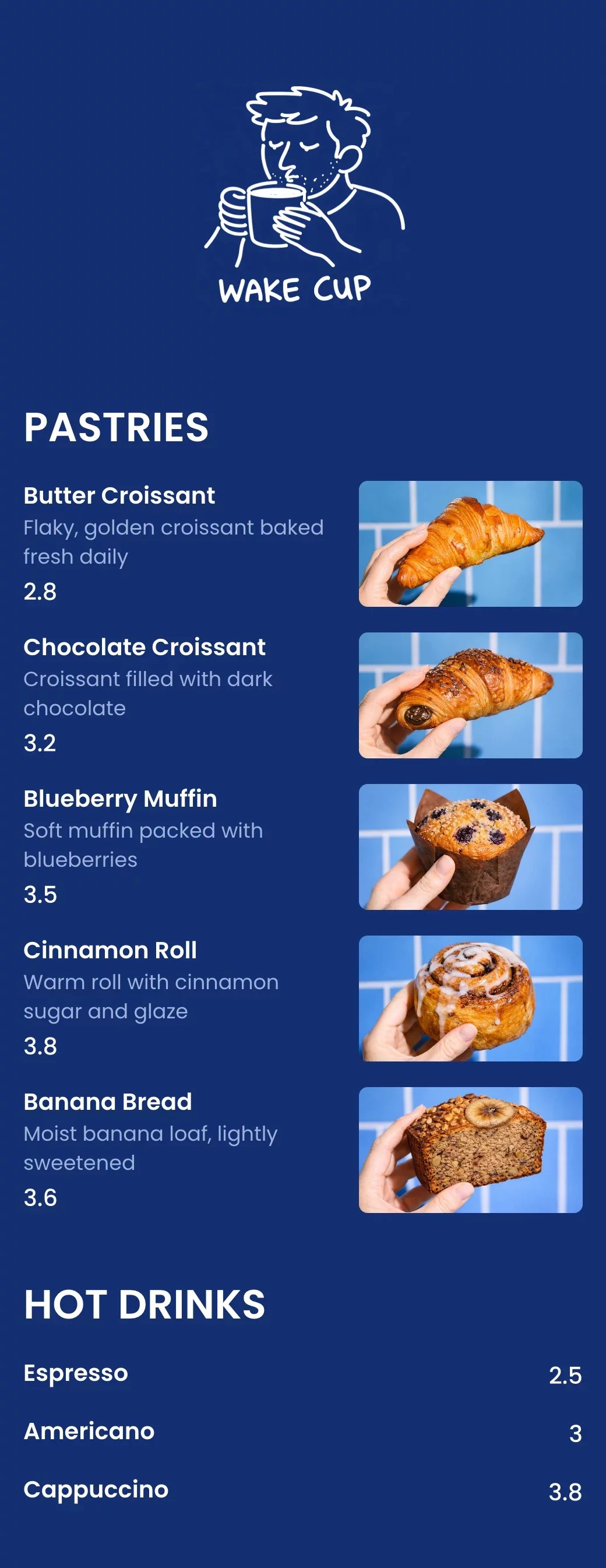
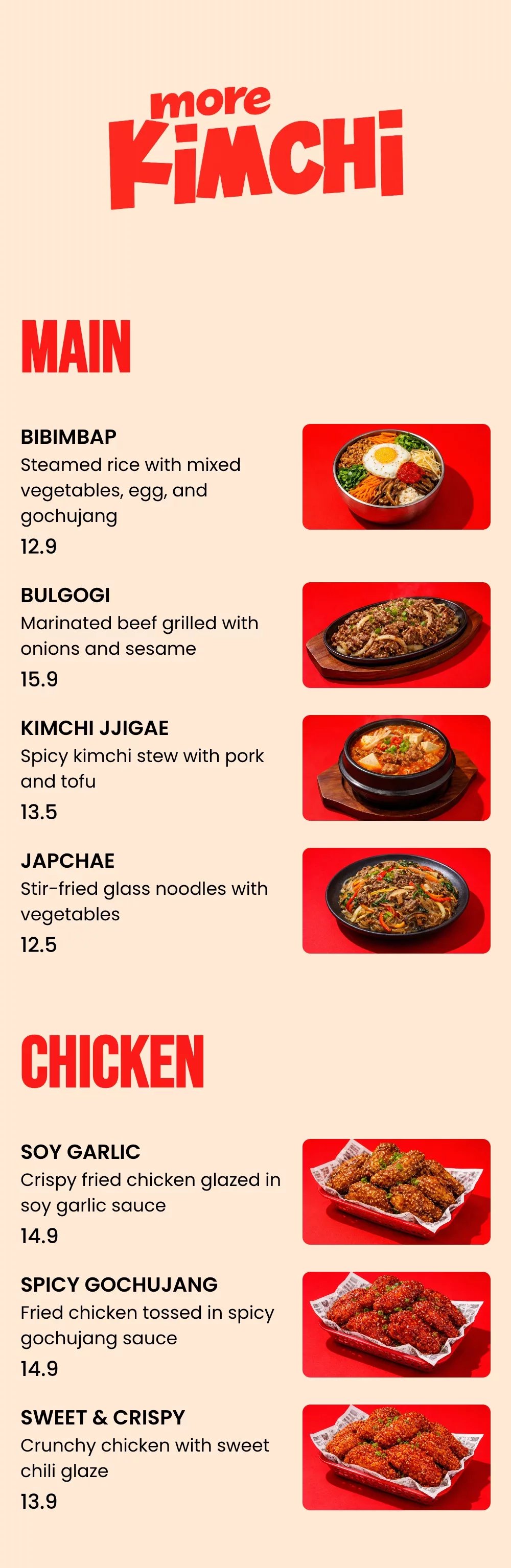
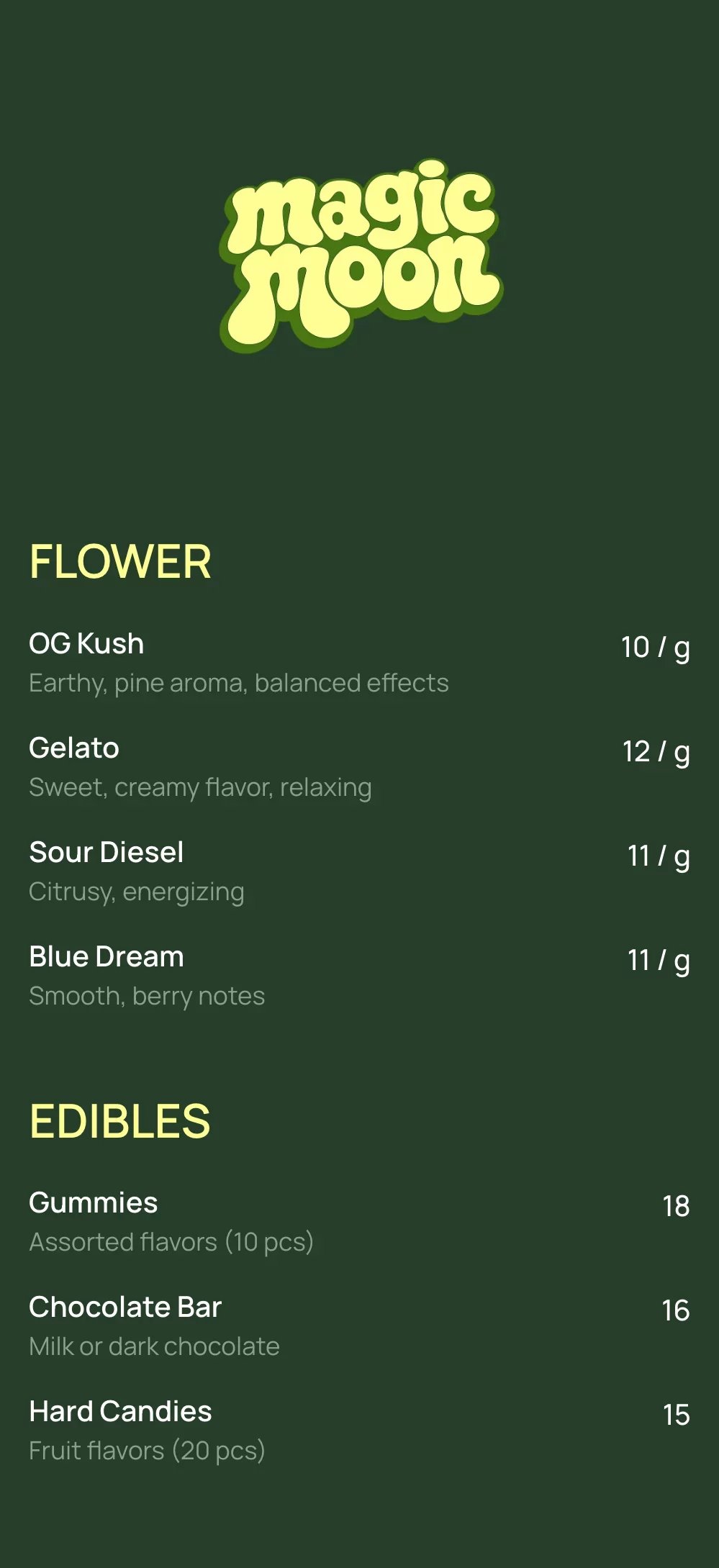
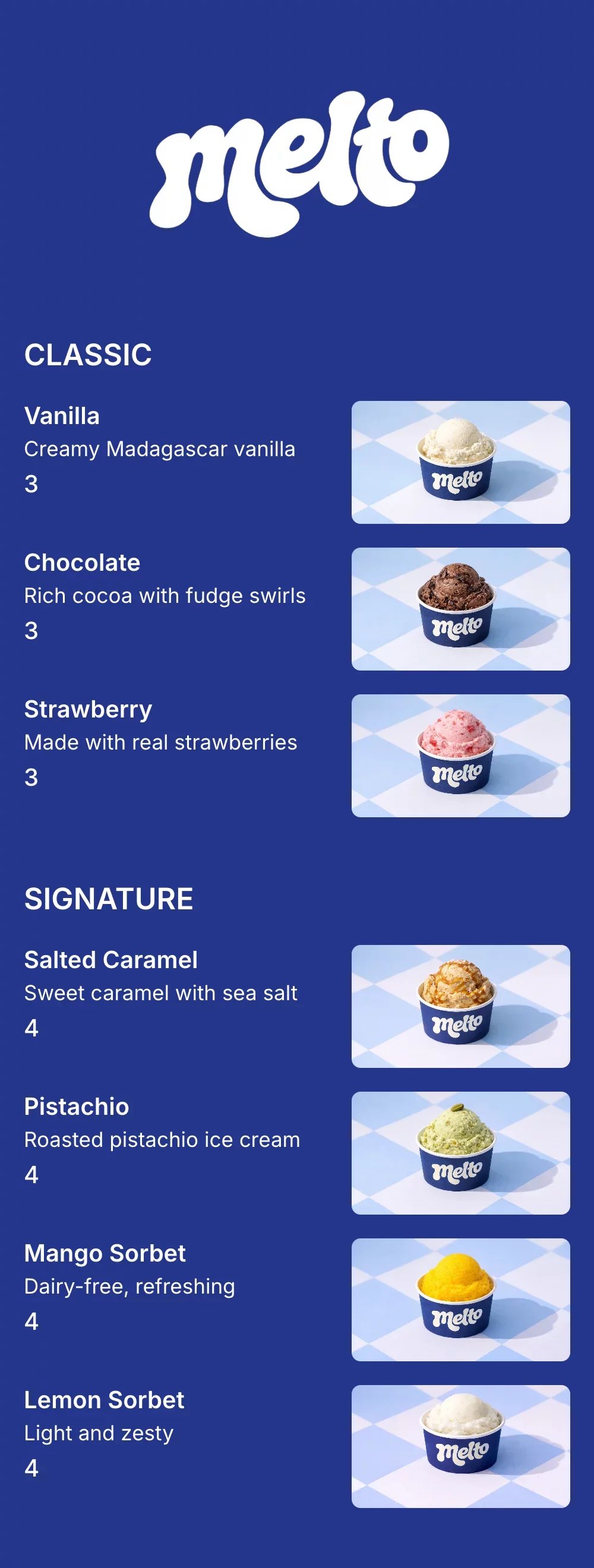
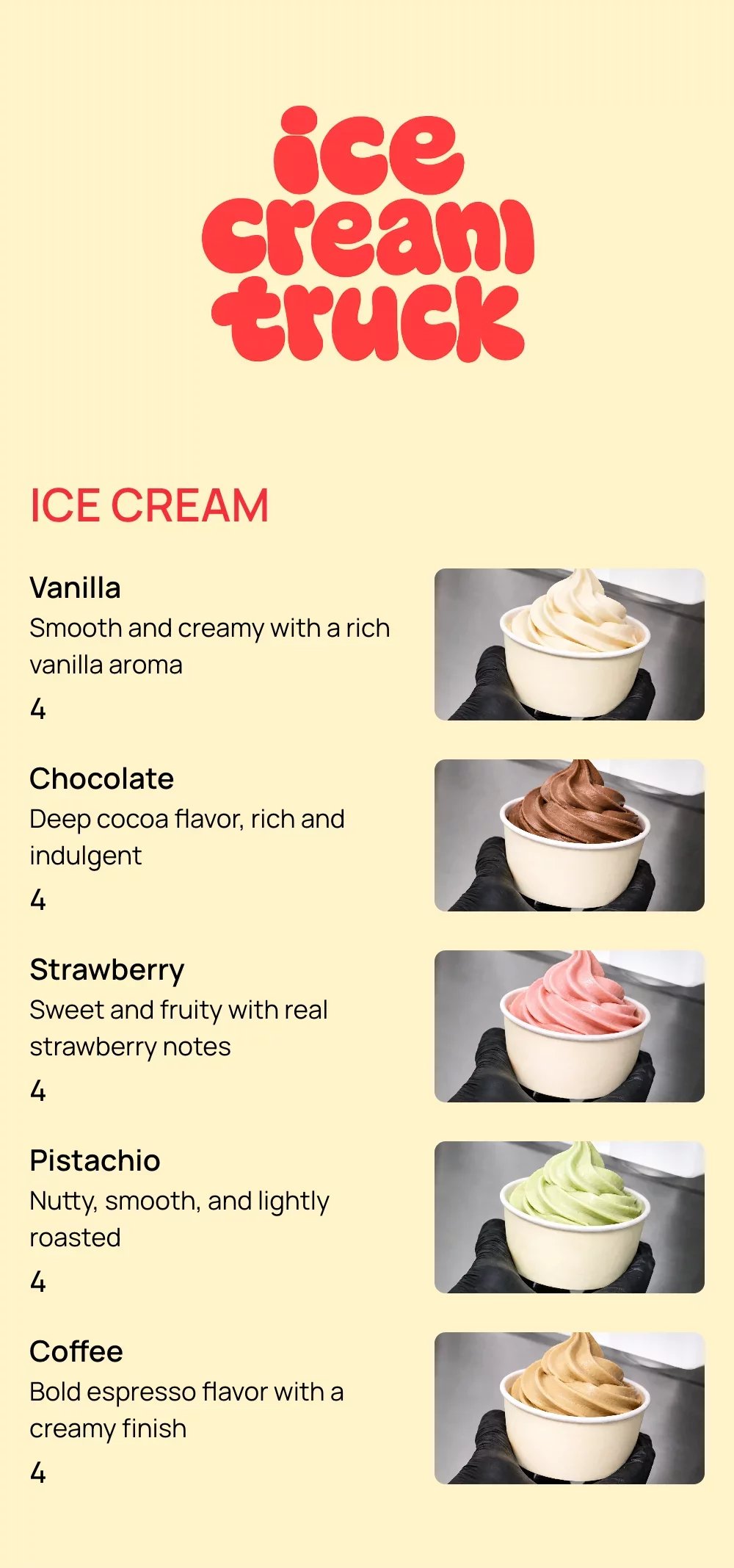
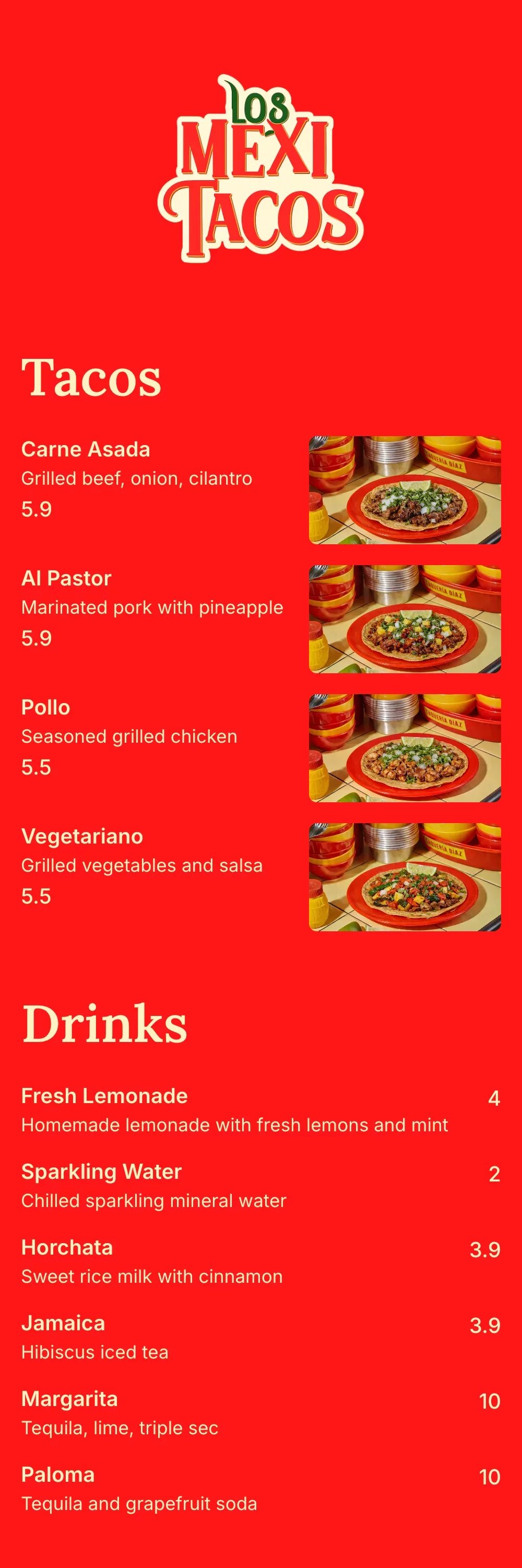
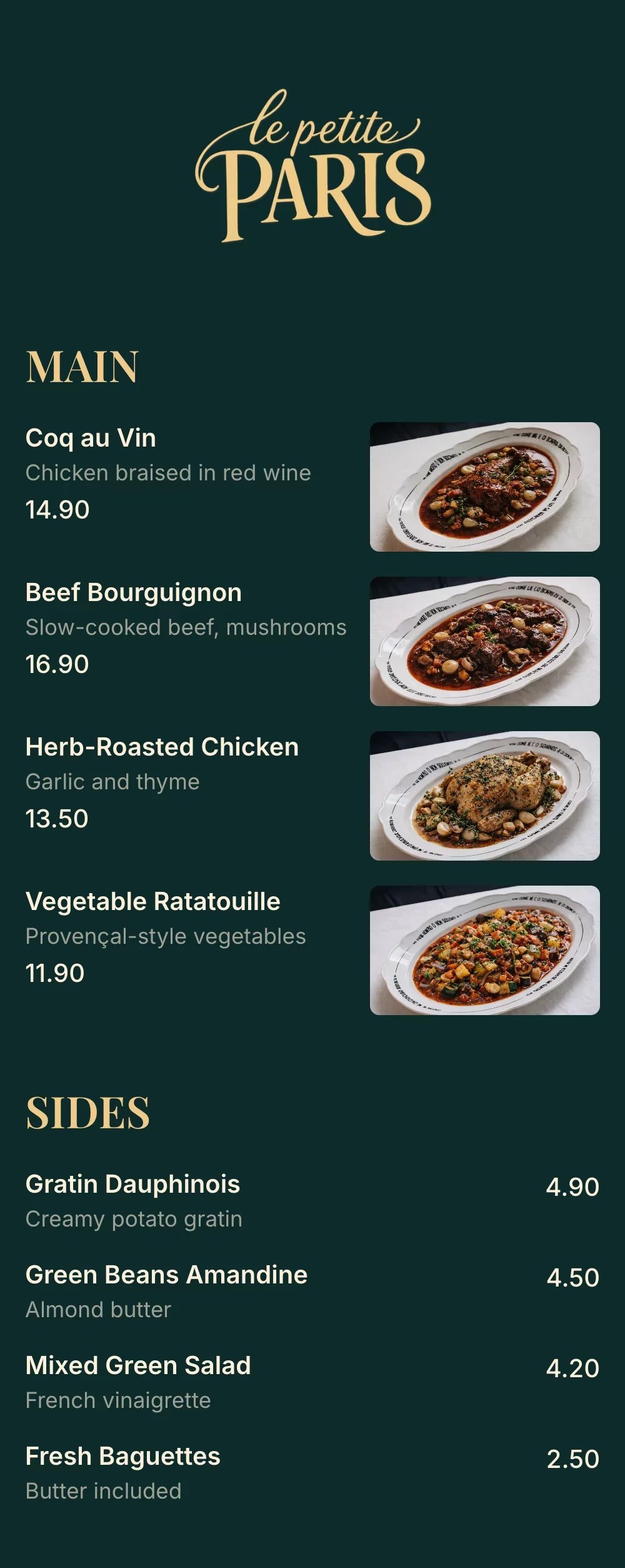
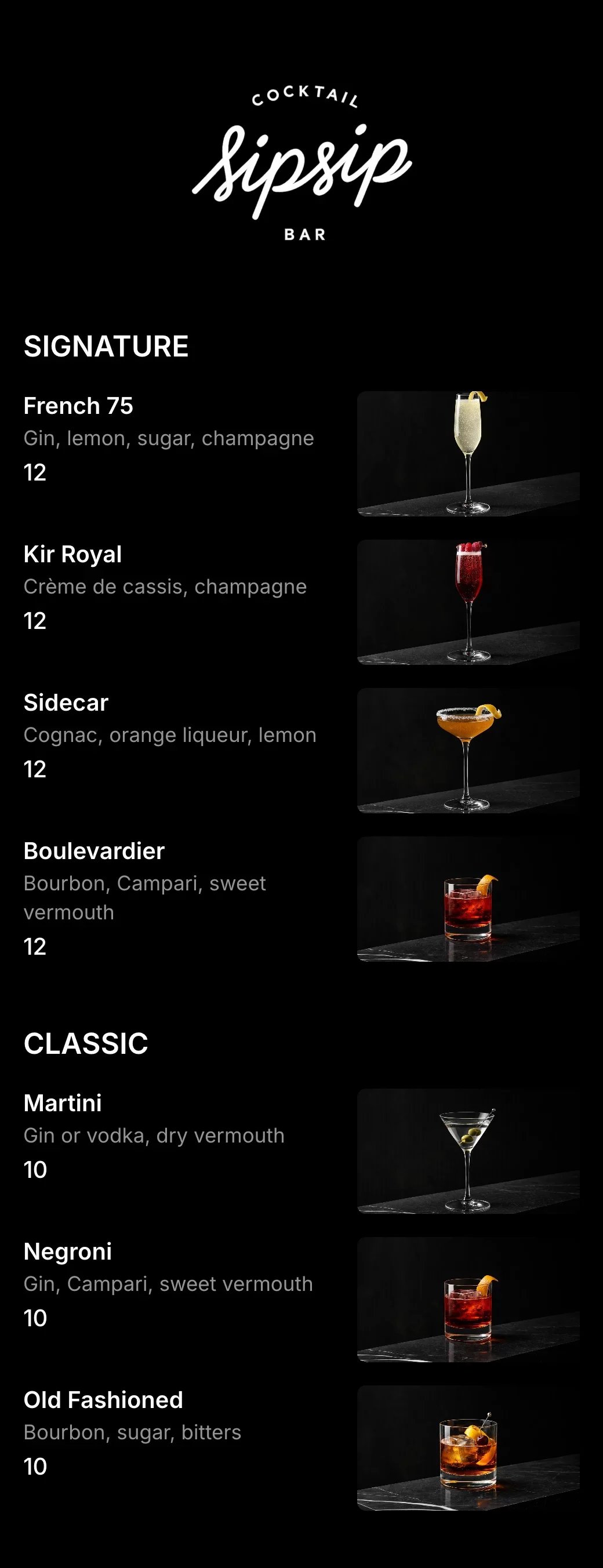
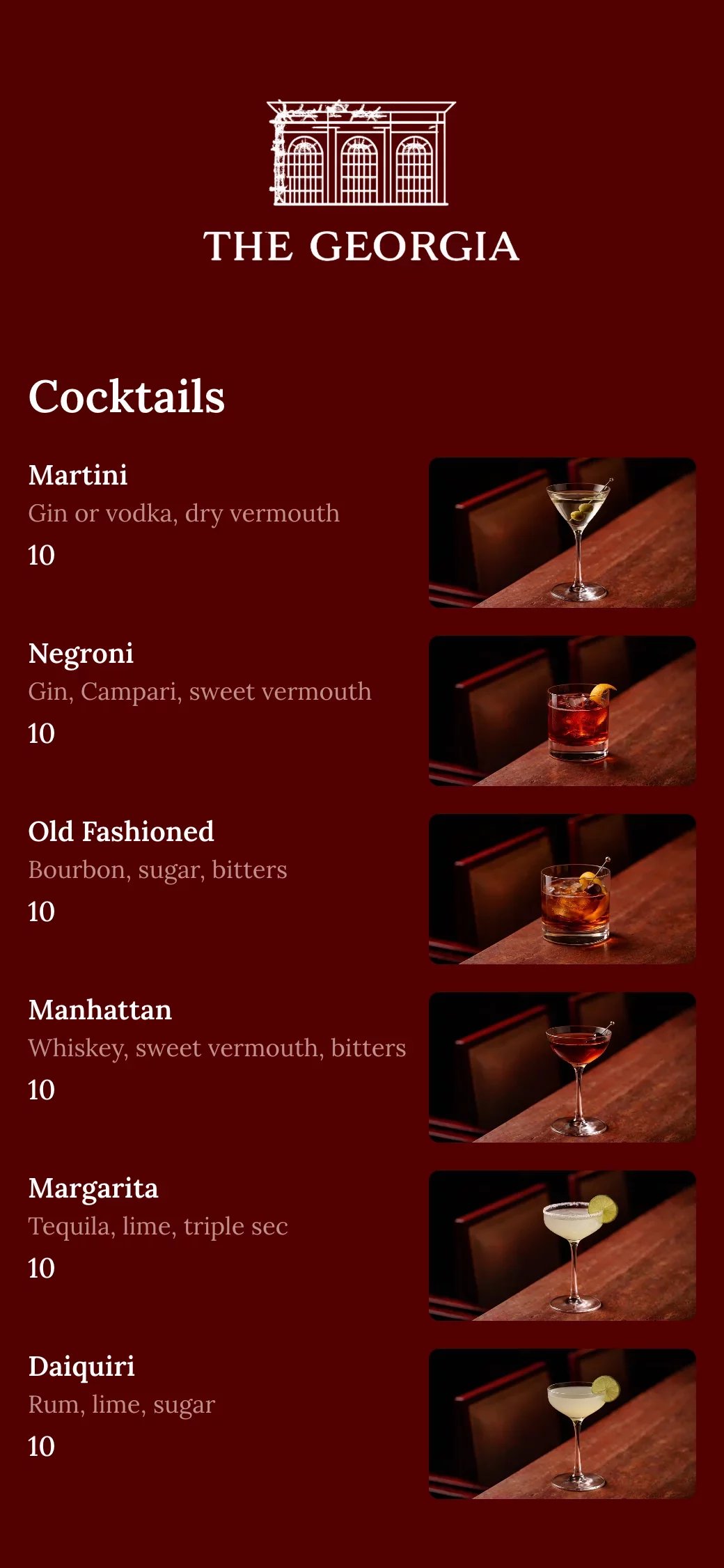
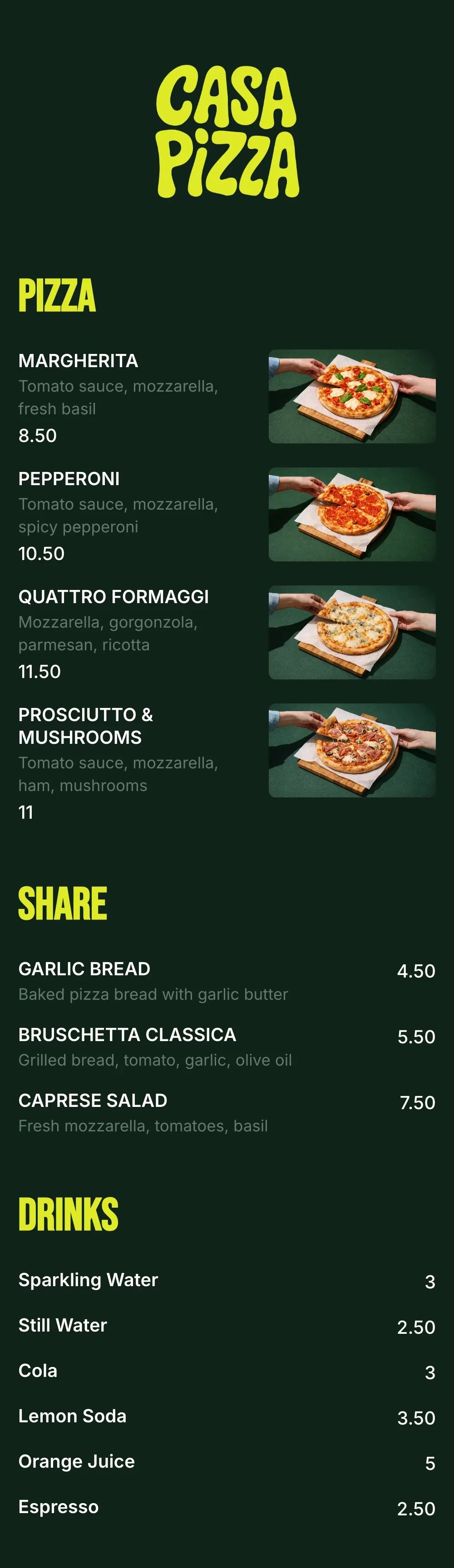
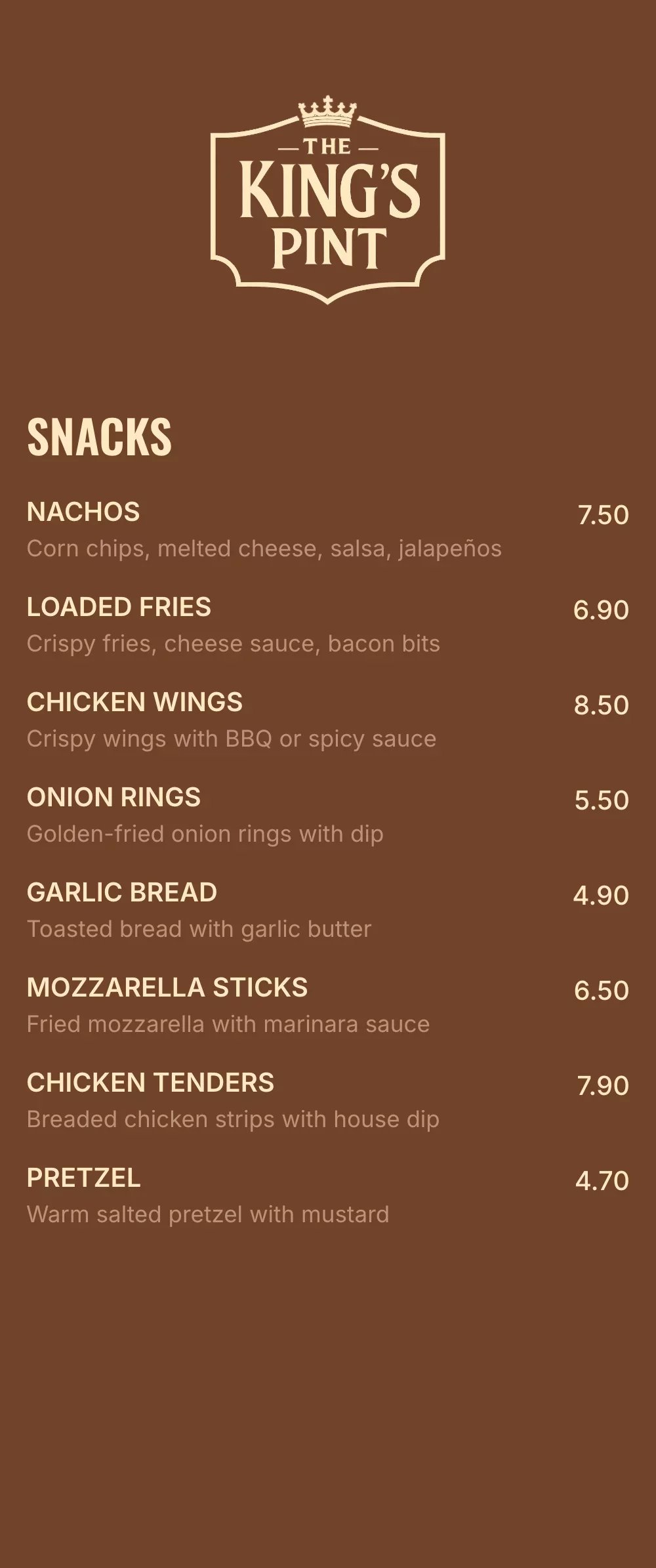
QR code menu templates for every business
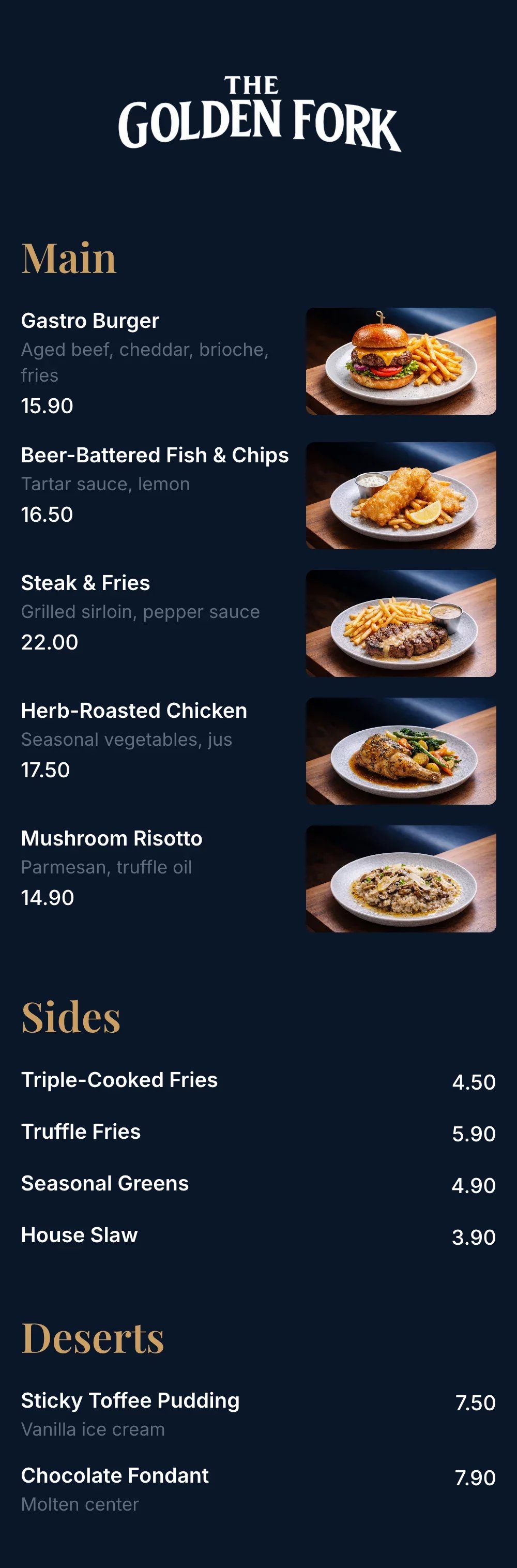
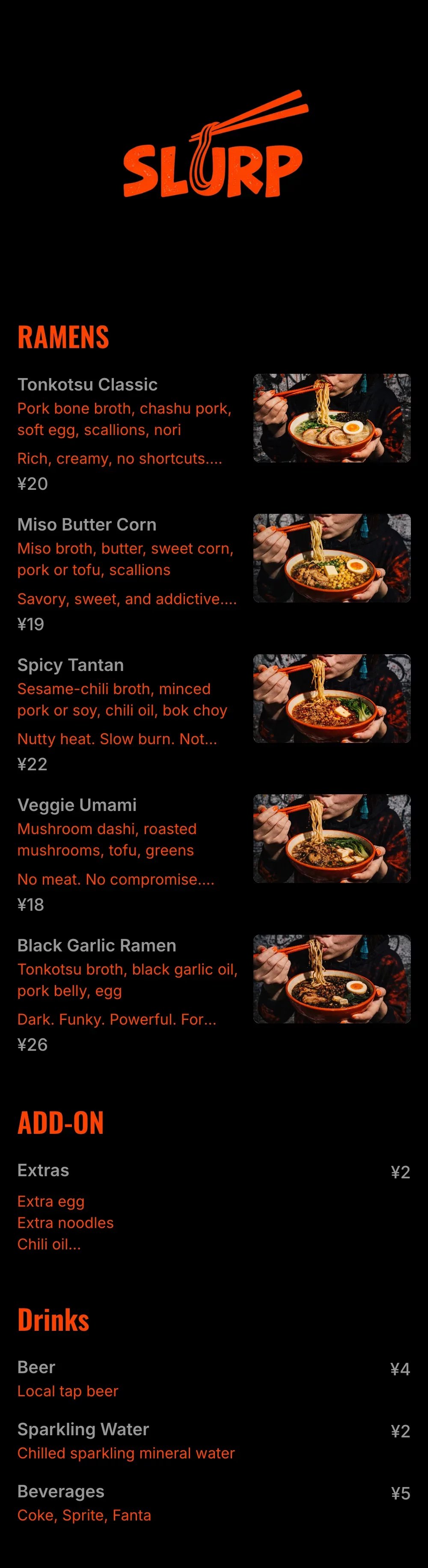
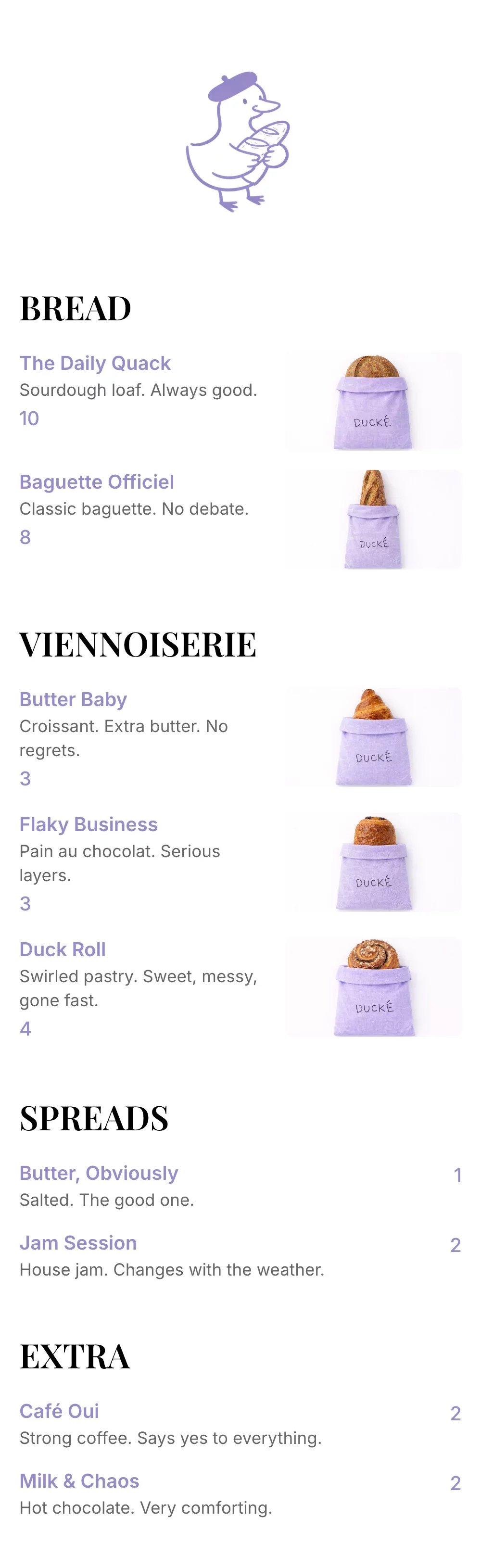
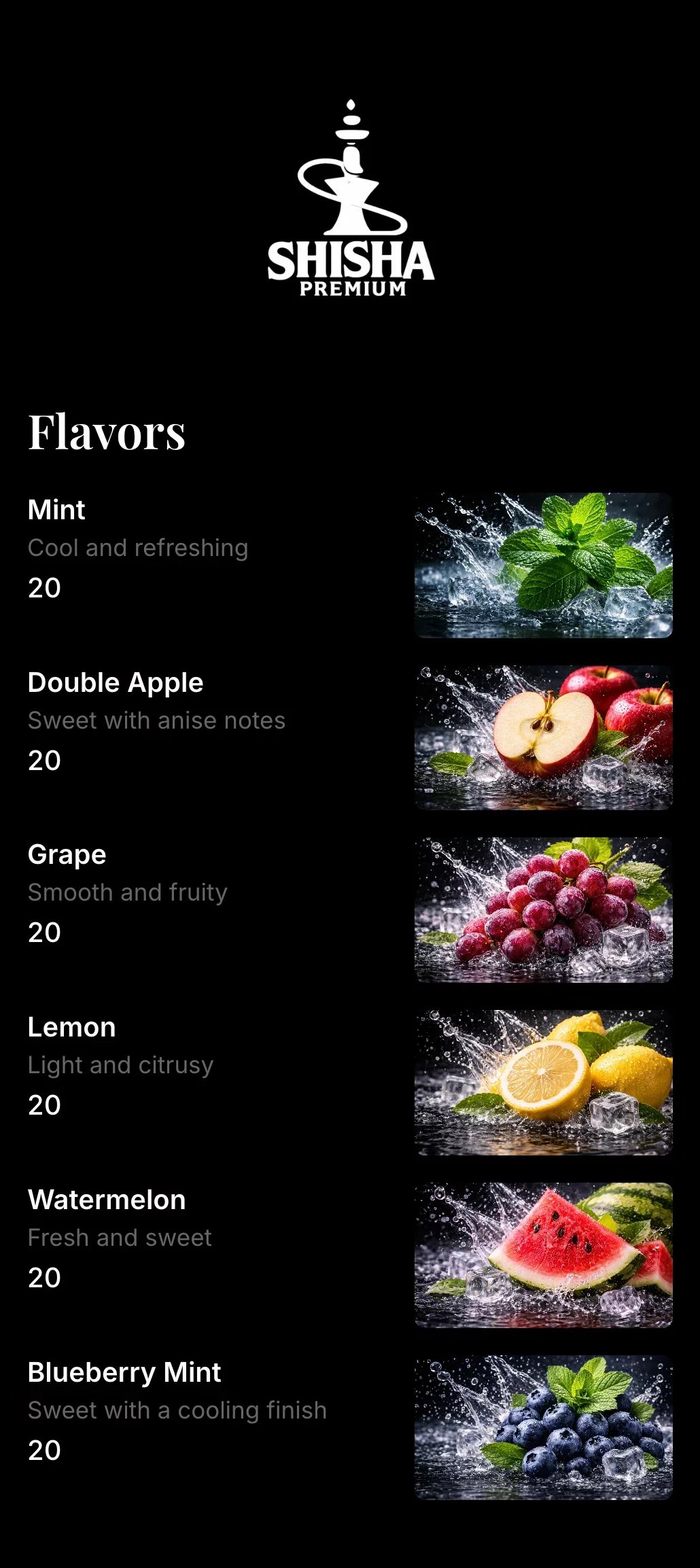
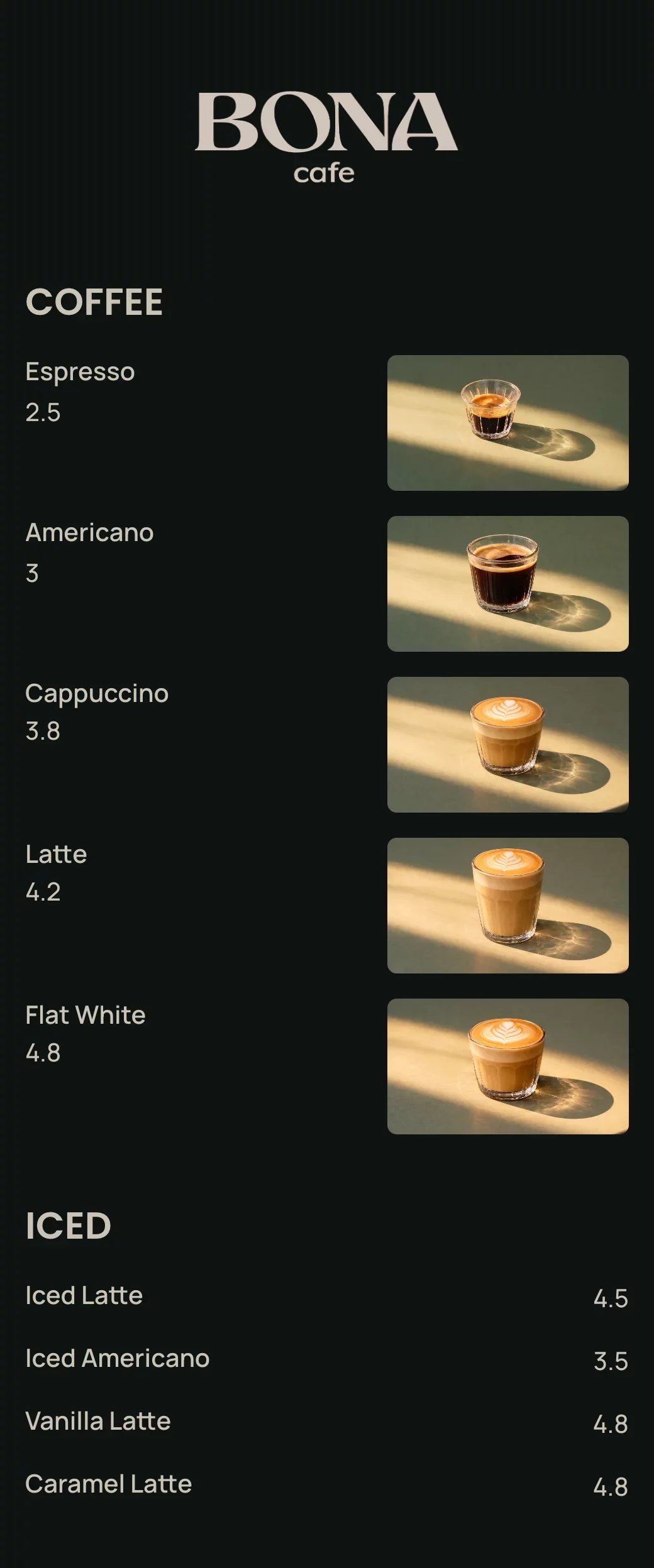
Explore professionally designed digital menu templates for restaurants. Create menus online, customize branding, and share your menu with a link or QR code.
Your questions, answered
A QR code menu is a digital restaurant menu customers can access by scanning a QR code with their phone camera.
No. The menu opens directly in the browser on iPhone and Android.
Yes. You can change prices, items, or descriptions instantly — no reprinting needed.
Yes. The same QR code and menu link works on tables, websites, Google, and social media.
Yes. A QR code menu is mobile-friendly, easier to update, and much easier to read than a PDF on a phone.
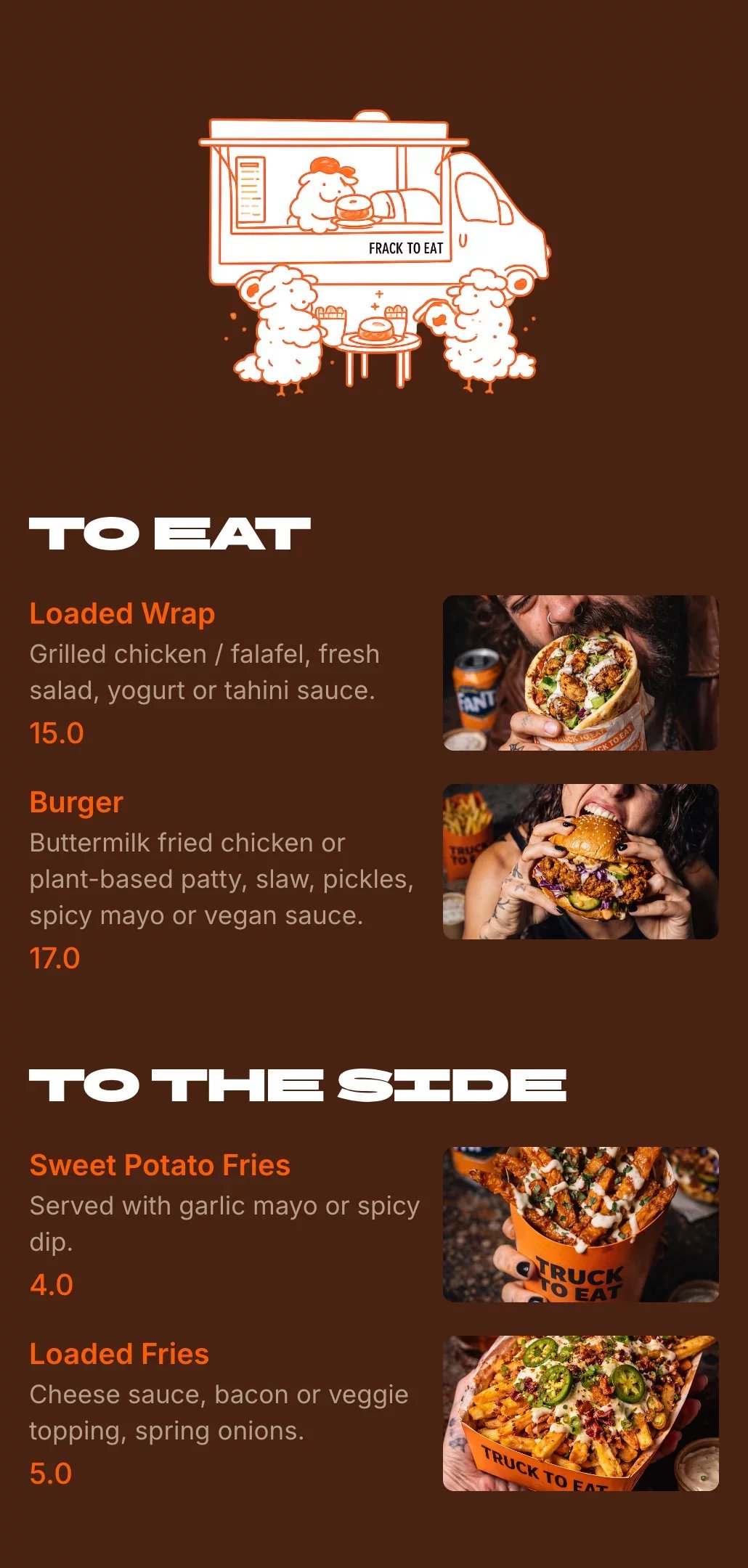
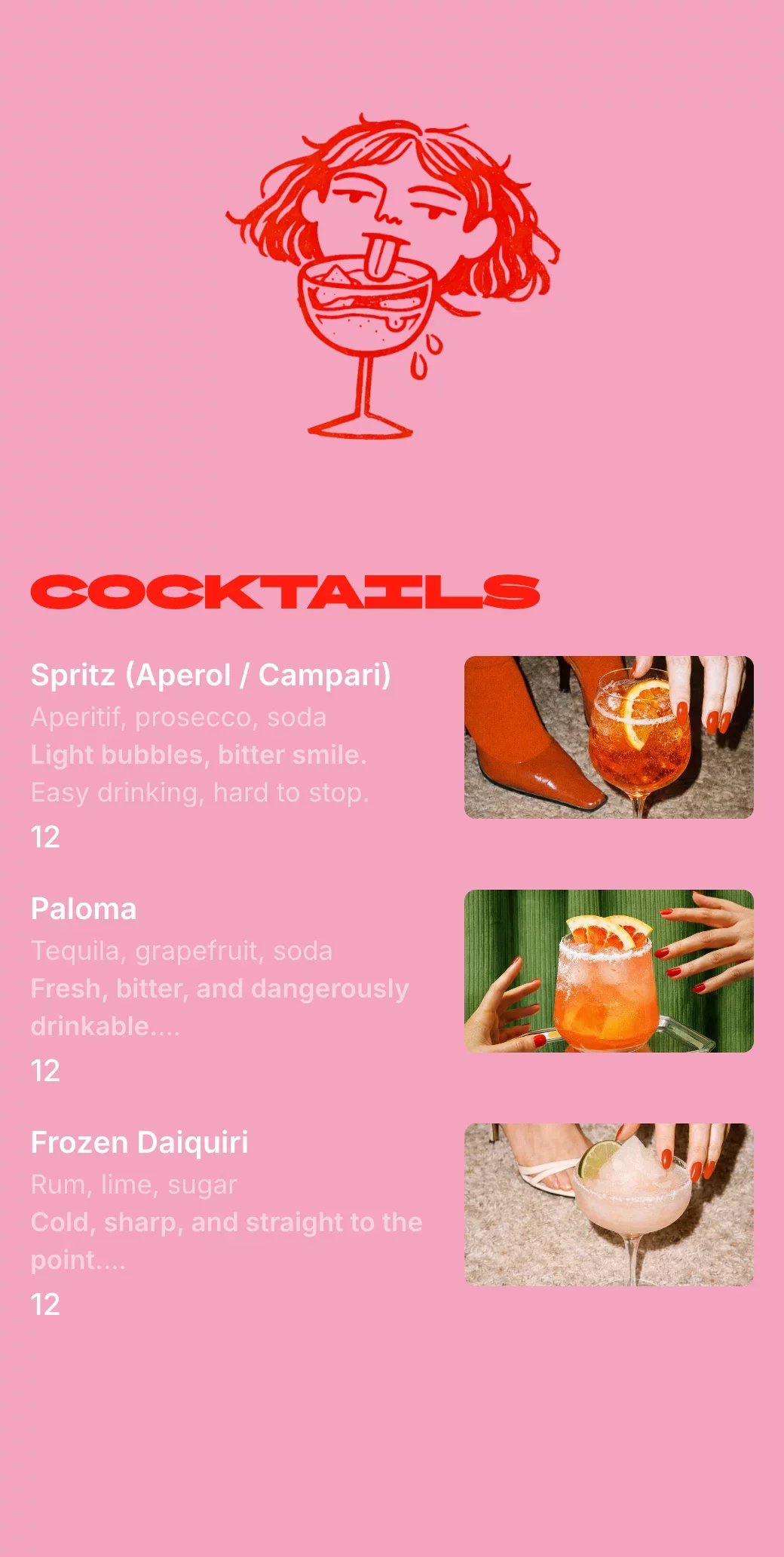
Yes. Digital restaurant menus are perfect for cafés, food trucks, bars, and takeaway spots because they’re quick to update and easy to access with a QR code or link.